TECH
Tech Tips: You can close your WhatsApp account on your computer and laptop from your smartphone, this is an easy process
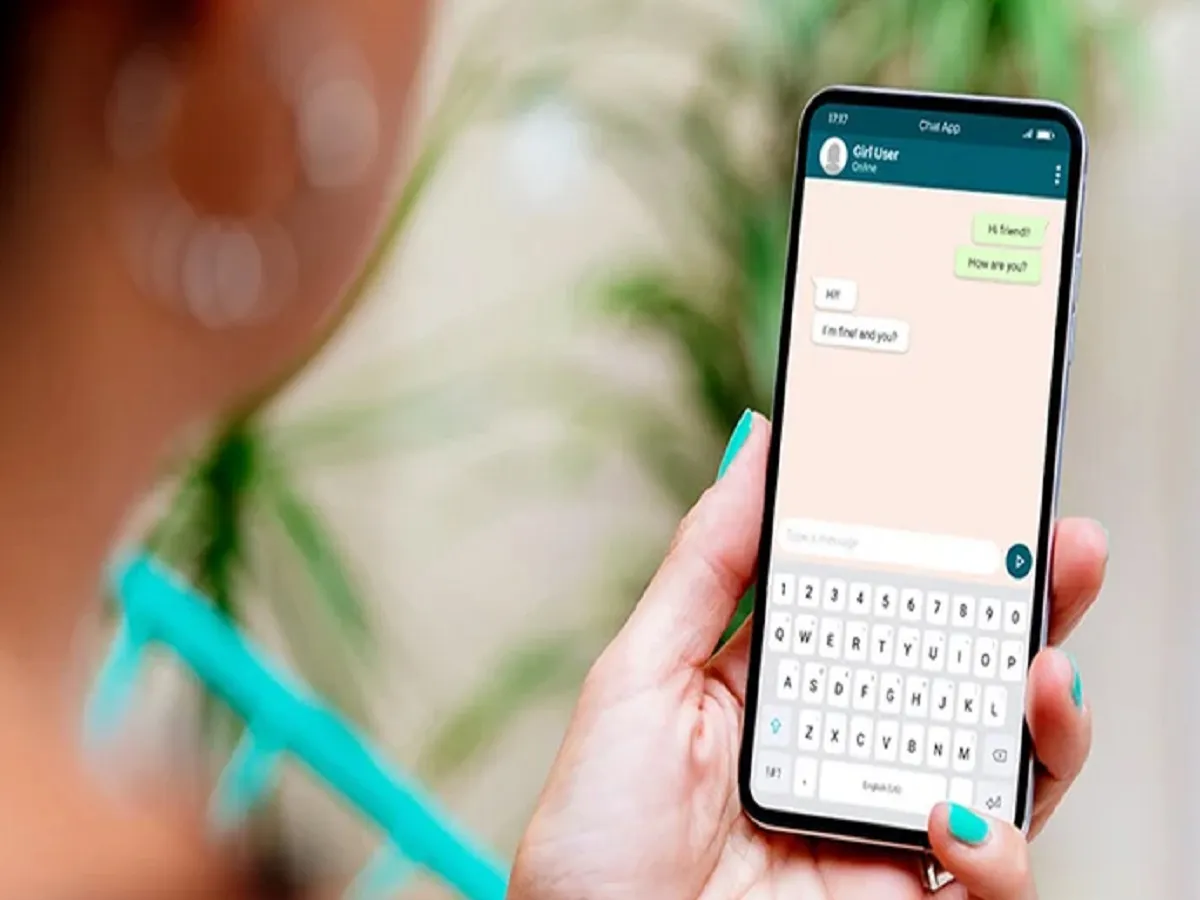
WhatsApp can be used on computers and laptops in addition to mobile phones.
WhatsApp can be used on computers and laptops in addition to mobile phones. Many people open WhatsApp on their computers and laptops via WhatsApp Web to handle office work, send important documents, and respond to messages. However, sometimes people forget to log out after completing their work.
This small mistake can threaten the security of your personal information. Your information could be misused. It's worth noting that WhatsApp allows its users to remove old and unknown devices from their accounts directly from their smartphones. Today, we're going to provide you with information on this matter.
This is the easy process to close your WhatsApp account from computer and laptop.
Logout WhatsApp from Android phone like this
- For this, first you have to open WhatsApp on your smartphone.
- Now tap on the three dots on the top right side of the screen and select the option of 'Linked Devices'.
- Here you will see the list of all the devices linked to the account.
- Select the computer or browser which you want to remove and tap on the 'Log Out' option.
- After confirmation, your WhatsApp account will be disconnected from the concerned device.
- After this, no one will be able to use your WhatsApp. Your personal information will remain safe.
- Let us tell you that a large number of people in the country do their important work through WhatsApp.
PC: Avast