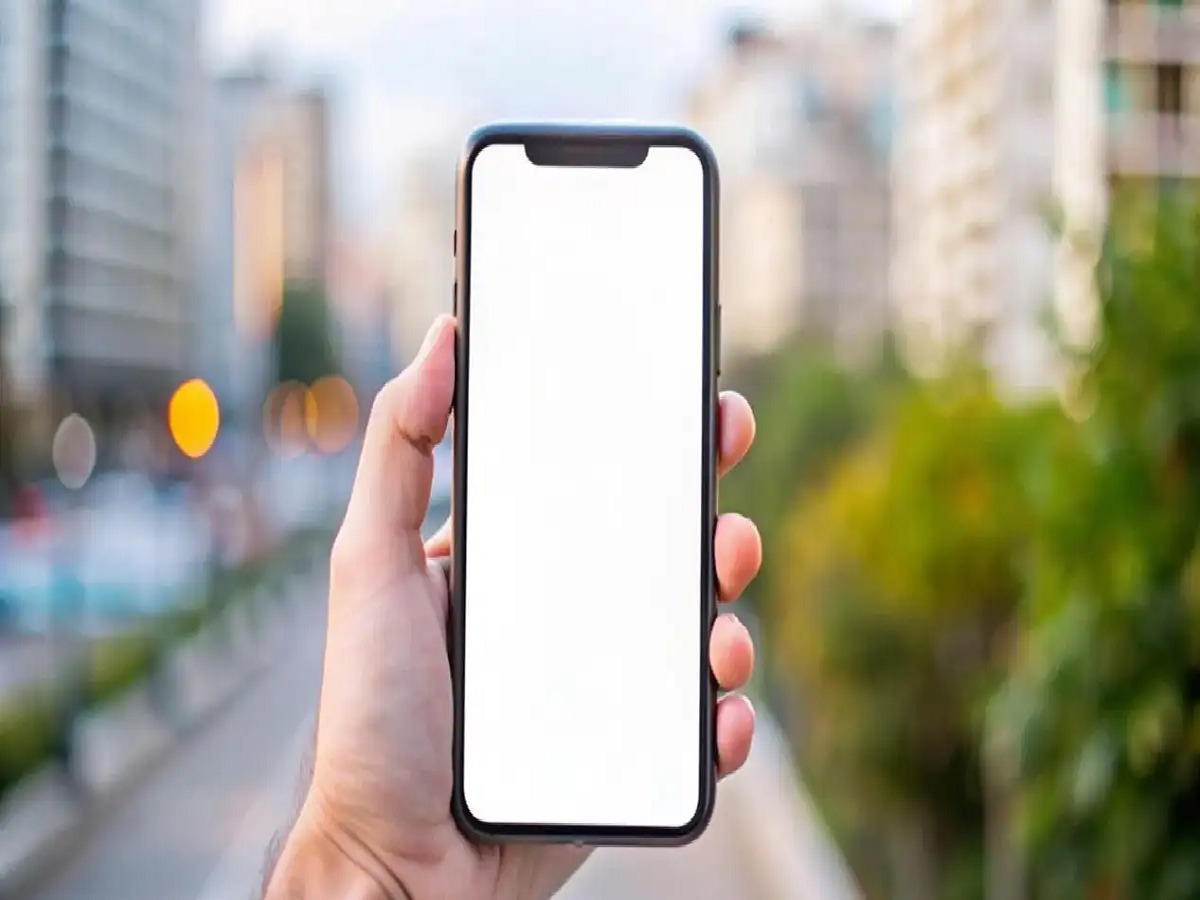
We spend thousands of rupees buying a smartphone, but within a few days, the phone starts hanging and the battery drains quickly. The reason for this is these five common mistakes we all make.
Tips to Extend Mobile Phone Life
We rely on our mobile phones for everything from banking and online shopping to studies and work. If your phone suddenly slows down, drains battery quickly, or starts hanging, it's a major problem. Some minor mistakes are the main culprits. Here are some things you should avoid to keep your smartphone running like new for a long time.
Charging to 100% or Using to 0%
Many people make the mistake of charging their phone to 100% or using it to 0%. Most modern smartphones have lithium-ion batteries. Fully discharging or overcharging these batteries will damage them. According to experts, it's best to keep the battery level between 20% and 80%. You should absolutely avoid charging it overnight.
Using a low-quality charger
When the original charger fails, people often resort to using a cheap, local charger. However, low-quality chargers don't deliver the correct voltage. This can damage the battery and the phone's charging circuit. You should always use the original charger or a certified charger from a reputable brand.
Filling your phone's memory to the brim
is a mistake. Filling your phone's memory to the brim with photos, videos, and unnecessary apps can slow down your phone's performance. Apps take longer to open, and your phone may hang. Therefore, it's a good idea to keep at least 15% to 20% of your storage free.
Using the phone in sunlight
Playing games for long periods of time, using the phone in direct sunlight, or watching videos while charging can cause the phone to overheat. Frequent heating can shorten battery life and impact processor performance. When the phone gets hot, leave it aside for a while before using it again. Also, don't ignore software update notifications; they fix security bugs. And always install apps from the official app store to avoid viruses that can slow down your phone.
PC: Amar ujala