TECH
Shared personal details on ChatGPT? Delete your chat history before anyone else reads it. Learn the easy way
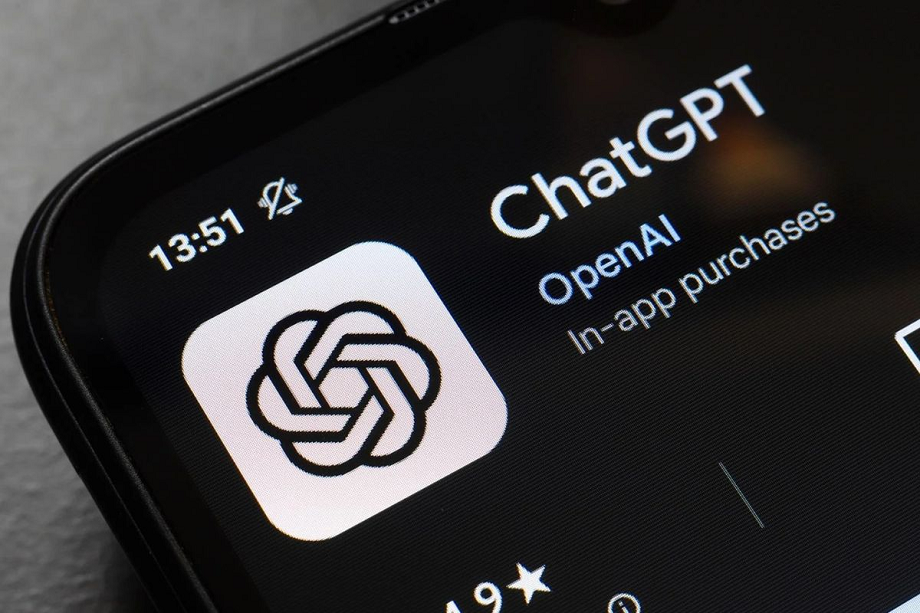
ChatGPT Chat: AI tools like ChatGPT, Google Gemini, and Grok have become people's favorites for asking questions. Asking questions clearly means you're sharing some of your personal details with these AI tools. If you're wondering how to delete your chat history, let's find out.
ChatGPT Chat: Many AI tools have now arrived in the internet world. In India, ChatGPT, Google Gemini, and Grok are the most popular. These AI tools are gradually becoming a part of our daily lives. While previously people relied on Google search to find answers to any question, these AI tools are now becoming their first choice. Sometimes, people even ask questions that might not even be posted on Google.
Asking this question clearly implies that you're sharing some of your personal details with these AI tools. The debate about how safe your data is on platforms like ChatGPT or Gemini will always be ongoing. But for now, we'll tell you that if you want, you can clear your chat history and data from ChatGPT. Let's learn how you can easily delete your chat history from the data server.
How to delete chat history?
Whenever you start a chat with an AI tool, a log is created. You'll usually find this on the left side. After logging in to tools like ChatGPT, Gemini, and Grok, your chat history is displayed in the left panel on the home page. To delete your conversation history, simply click on the three dots above. There, you'll see two options: rename and delete. From here, you can easily clear your history.
How to delete chat history from ChatGPT?
- First of all, open ChatGPT on your smartphone and click on the menu icon at the top.
- Then at the bottom you will see your profile icon, that is your name, tap there.
- After this a list will open in which the option of Data Controls will be available.
- By going here you can easily choose the option of Clear Chat History.
How to export chat?
ChatGPT also allows you to export your entire chat record. To do this, go to the Data Controls section. At the bottom, you'll find the Export Data option. Once you confirm this, your entire chat history will be sent directly to your email, meaning it will be exported.
PC:Prabhat Khabar