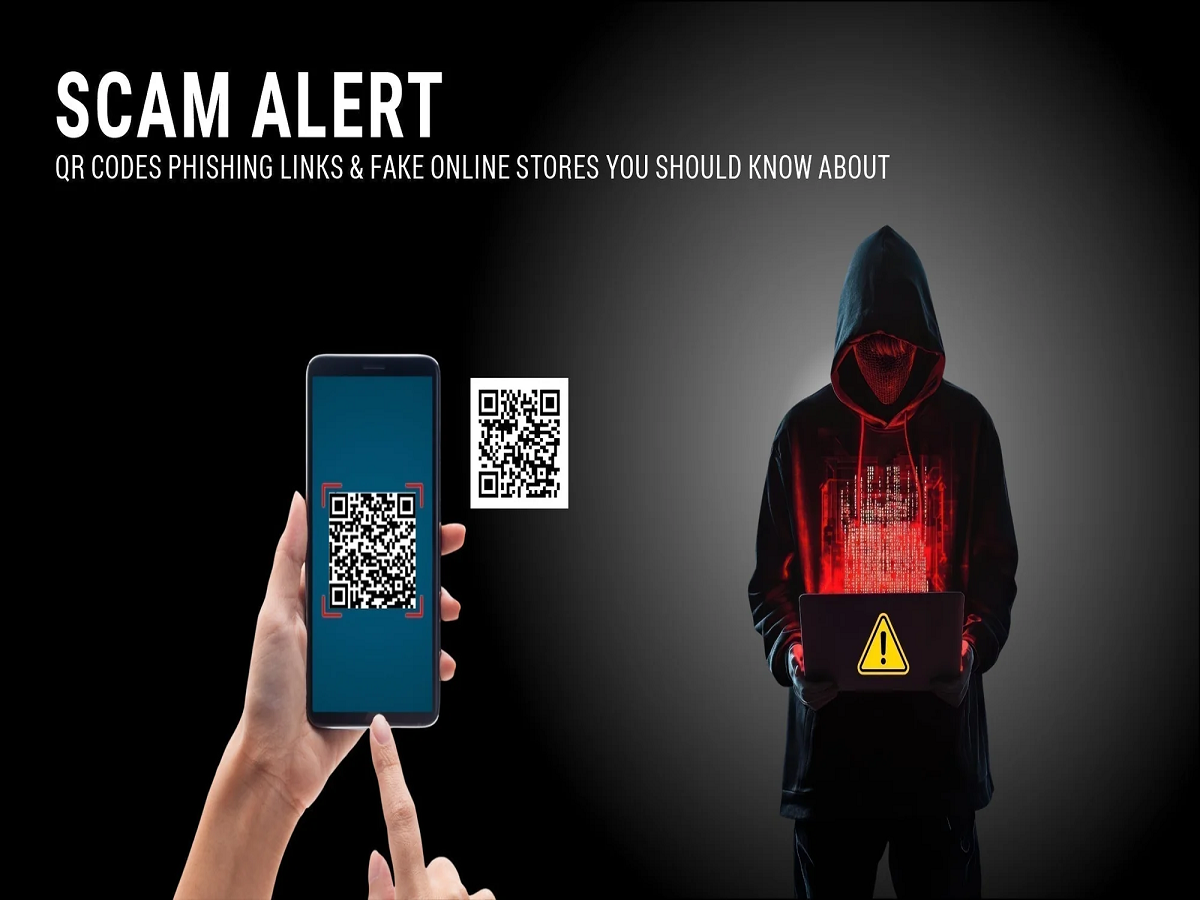
QR codes have become part of everyday life. People use them to make payments, access restaurant menus, download apps, receive offers and even log in to websites. But scammers are also using the same technology to trick people into revealing sensitive information or transferring money.
A QR code itself isn't dangerous. The real risk comes from where it takes you and what you're asked to do after scanning it.
How does a QR code scam work?
Scammers can create a QR code that redirects users to a fake website, payment page or malicious download.
For example, you may receive a message claiming that your bank account needs verification or that you have won a reward. The message contains a QR code and asks you to scan it immediately.
The QR code may lead to a fake website designed to look like a legitimate banking, shopping or government portal.
A QR code can also be used to trick you into making a payment
One important rule to remember is that you generally don't need to scan a QR code to receive money through a UPI payment.
If someone tells you to scan a QR code and enter your UPI PIN to "receive" money, be extremely cautious. Entering your UPI PIN authorises a payment; it isn't required simply to receive money.
Always check the recipient and amount displayed on your UPI app before confirming a transaction.
Fake parking and delivery QR codes are another risk
Scammers can place fraudulent QR stickers over legitimate ones in public locations.
A fake code may redirect you to a payment page or request personal information. Similar tactics can potentially be used with fake delivery notices, event tickets, advertisements and promotional offers.
Before paying, verify that the QR code belongs to the expected business or service.
Don't install an app just because a QR code tells you to
Some fraudulent QR codes may direct users to websites that ask them to download an application.
Be particularly careful if you're asked to install an APK file from an unknown website. Such files can potentially contain malicious software.
For important services such as banking, use the official app or type the company's known website address yourself rather than relying on an unexpected QR code.
Check the website after scanning
Don't assume a website is genuine simply because it opens after scanning a QR code.
Look carefully at the website address. Scammers often create addresses that resemble those of legitimate companies but contain additional words, unusual spellings or unfamiliar domains.
Also be suspicious if the page immediately asks for your password, card details, OTP or other sensitive information.
Never share an OTP or UPI PIN
A genuine company representative should not need your UPI PIN or an OTP that is meant to authorise a transaction.
If someone asks you to reveal these details after scanning a QR code, stop the process immediately.
What should you do if you accidentally scan a suspicious QR code?
Simply scanning a QR code doesn't automatically mean your phone or bank account has been compromised.
The important thing is what happened afterward. If you entered your credentials, installed an unfamiliar application or authorised a payment, take action immediately.
Contact your bank or payment provider through its official channel and report any suspicious transaction. If you installed an unknown application, remove it and review the permissions it received.
The safest QR code habit
Before scanning any QR code, ask three questions: