TECH
Public Wi-Fi Warning: 7 Mistakes You Should Never Make While Using Free Internet at Airports, Cafes and Hotels
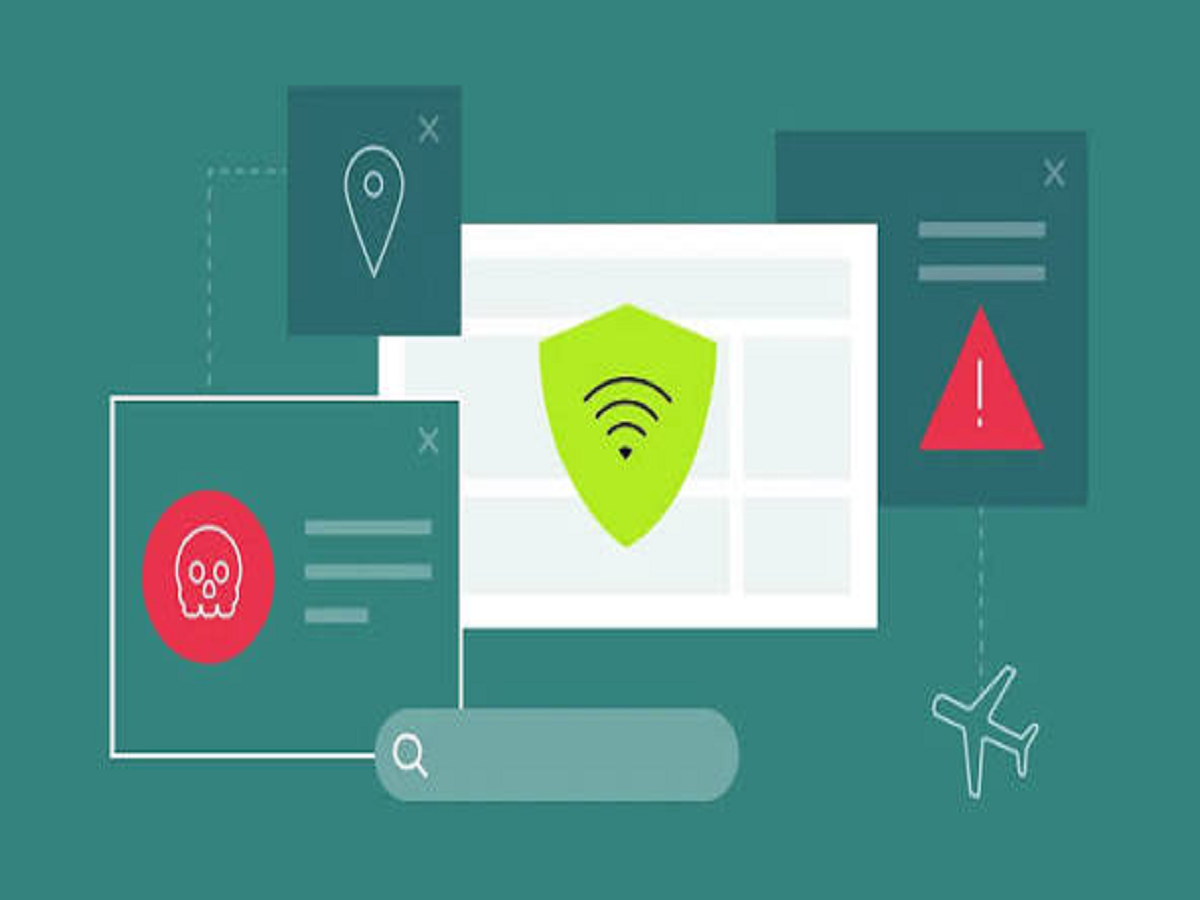
Free Wi-Fi is available almost everywhere today, including airports, railway stations, shopping malls, hotels and coffee shops. It allows people to browse the internet without using their mobile data. However, connecting to an unknown Wi-Fi network without taking precautions can expose your personal information to security risks.
Cybercriminals may exploit poorly secured networks to intercept information, create fake Wi-Fi hotspots or trick users into visiting fraudulent websites.
Here are seven important precautions you should follow whenever you connect to public Wi-Fi.
1. Never Access Banking Applications on Unknown Networks
Avoid logging into banking applications or carrying out financial transactions while connected to an untrusted public Wi-Fi network.
If you urgently need to make a payment or access your bank account, using your mobile data connection is generally a safer option.
2. Be Careful of Fake Wi-Fi Networks
Cybercriminals sometimes create networks with names similar to those of nearby hotels, airports or cafes.
For example, a fake network may use a name almost identical to the official Wi-Fi provided by the establishment.
Always confirm the correct network name with the staff before connecting.
3. Avoid Entering Passwords on Suspicious Websites
Public Wi-Fi networks can sometimes be used to redirect users towards fraudulent websites designed to steal login credentials.
Before entering sensitive information, check the website address carefully and ensure that the connection uses HTTPS.
Remember that HTTPS alone does not guarantee that a website is genuine.
4. Turn Off Automatic Wi-Fi Connection
Many smartphones automatically connect to previously saved or available Wi-Fi networks.
This feature can sometimes connect your device to an unintended network.
Review your Wi-Fi settings and disable automatic connections to networks you do not trust.
5. Avoid Sharing Sensitive Files
Do not transfer confidential documents, financial information or personal files over an unknown public network.
If you need to share important documents, use a trusted connection and secure file-sharing services.
6. Keep Your Phone and Laptop Updated
Software updates frequently include security improvements that help protect devices against known vulnerabilities.
Install operating system and application updates regularly. Also, use a screen lock and keep your device's built-in security protections enabled.
7. Forget Public Wi-Fi Networks After Using Them
Once you finish using a public Wi-Fi connection, disconnect from it.
You can also remove the network from your saved Wi-Fi list so that your device does not automatically reconnect to it during your next visit.
Is Using a VPN Helpful on Public Wi-Fi?
A Virtual Private Network (VPN) creates an encrypted connection between your device and a VPN server. This can help protect your internet traffic from being viewed by others on the local network.
However, a VPN does not make every online activity completely safe. You should still avoid suspicious websites, use strong passwords and enable two-factor authentication.
Choose a reputable VPN provider rather than downloading unknown applications that promise free protection.
Final Words
Public Wi-Fi is convenient, particularly when travelling, but convenience should not come at the cost of digital security.
Avoid accessing sensitive accounts on unknown networks, verify Wi-Fi names before connecting and keep your devices updated. Following these simple precautions can reduce the risk of exposing your personal information while using free internet.