Free Wi-Fi at airports, railway stations, hotels, cafés and shopping malls is convenient, but connecting without checking the network can create privacy and security risks. While modern websites and apps use stronger encryption than before, fake hotspots, phishing pages and unsafe device settings can still put users at risk.
Here are seven precautions worth taking before using public Wi-Fi in 2026.
Confirm the Network Before Joining
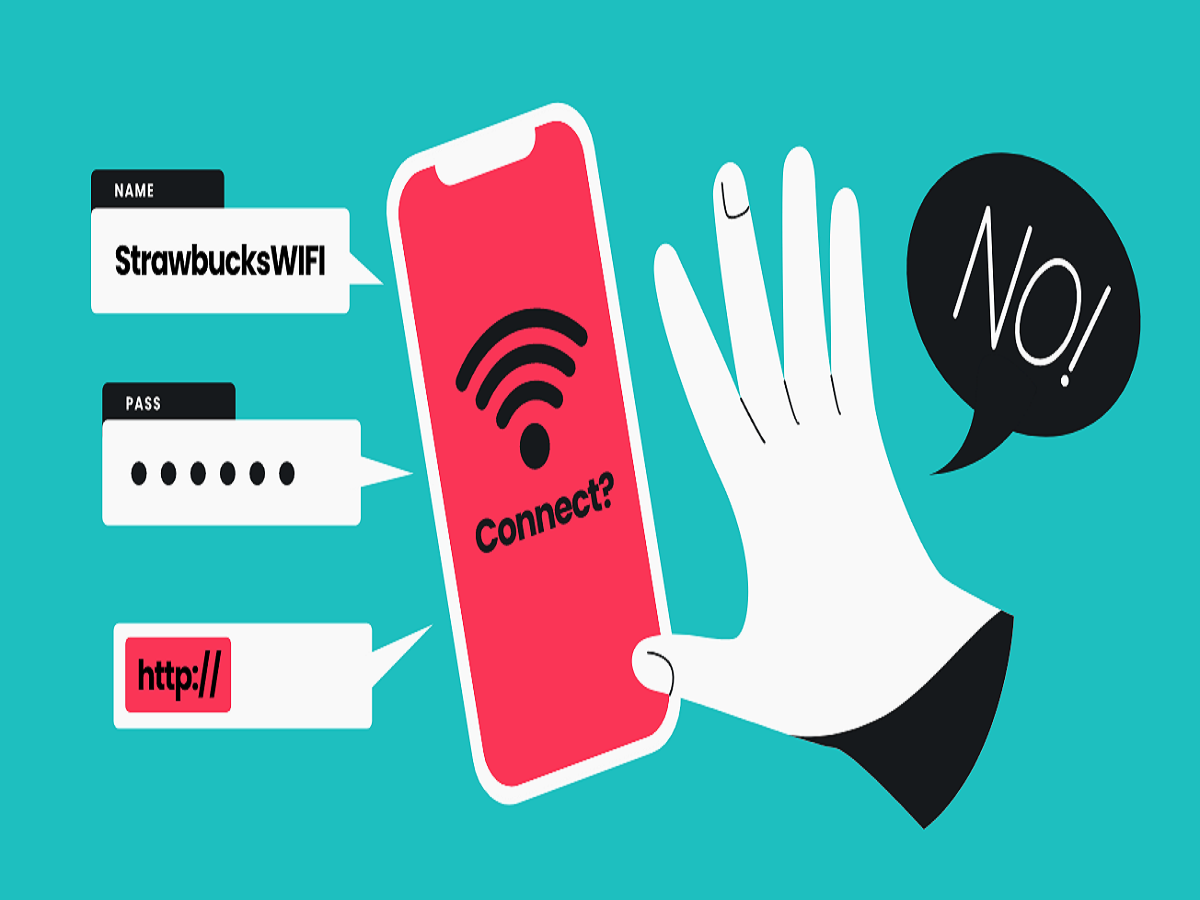
Never connect just because a Wi-Fi name looks official. Someone can create a hotspot with a name similar to a hotel, café or airport network.
When possible, confirm the correct network name with staff or information displayed at the location.
Don't Ignore Browser Security Warnings
Most established websites use HTTPS to encrypt information between your browser and the website.
If your browser displays a certificate error or warns that the connection is not private, avoid entering passwords, banking information or personal details. Leave the page and verify the website address before continuing.
Use Mobile Data for Sensitive Transactions
Public Wi-Fi may not be the best choice for banking, UPI-related account activity or other sensitive work.
If you have reliable mobile coverage, switching to mobile data or your personal hotspot can provide a network that you control rather than one shared with strangers.
Watch Out for Suspicious Wi-Fi Login Pages
Hotels, airports and cafés commonly use login pages before allowing internet access. However, fake hotspots can display similar pages to collect information.
Be suspicious if a Wi-Fi login page unexpectedly requests your banking password, UPI PIN, card PIN or other unrelated financial credentials.
Disable Automatic Wi-Fi Connections
Your phone or laptop may remember networks you previously joined. Review saved networks occasionally and disable automatic connection for public hotspots you do not regularly use.
Removing one-time networks after leaving an airport, hotel or event can also prevent unwanted reconnections later.
Control File Sharing and Device Discovery
Settings designed for a trusted home network may be inappropriate on public Wi-Fi.
Laptop users should review file sharing and network discovery settings, while smartphone users can restrict nearby-sharing features such as AirDrop to trusted contacts or disable them when unnecessary.
A VPN Helps, but It Cannot Stop Every Threat
A reputable VPN can provide an additional layer of privacy by encrypting traffic between your device and the VPN server.
However, it cannot protect you if you voluntarily enter your password on a fake website or download malicious software. Users should therefore continue checking links and login pages even when a VPN is active.
Is Public Wi-Fi Safe in 2026?
Public Wi-Fi is not automatically unsafe. Modern HTTPS encryption and improved operating-system security provide significant protection, but users still need to be careful about which network they join and what information they share.
For ordinary browsing, a verified public hotspot may be sufficient. For banking, confidential work or other sensitive activity, mobile data or a trusted personal hotspot can be the safer choice.
Bottom Line
Before connecting to free Wi-Fi, verify the network name, avoid suspicious login pages, pay attention to security warnings and turn off unnecessary sharing features.
A few simple checks before connecting can help keep your accounts, passwords and personal information safer while using public networks.