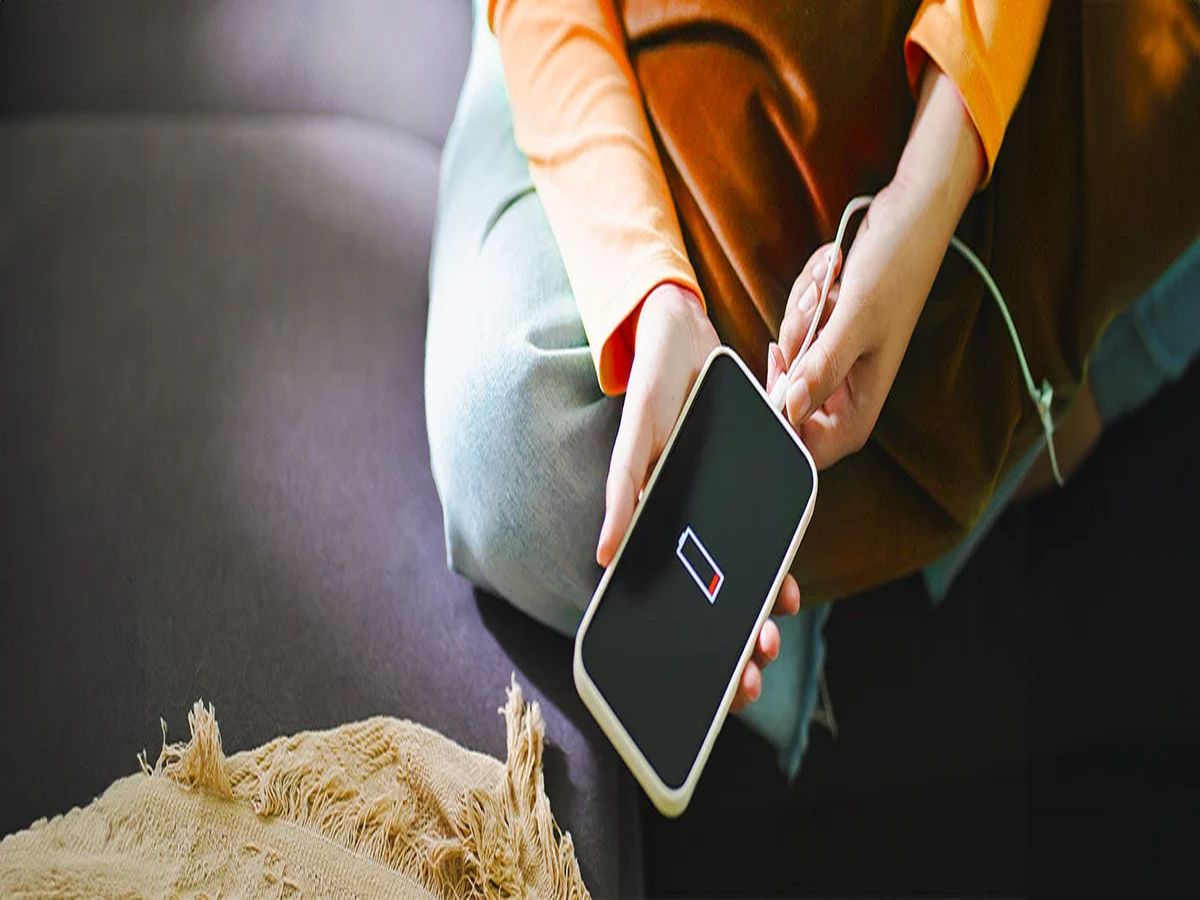
Does your smartphone reach 20% battery even though you charged it in the morning? A rapidly draining battery does not always mean the battery needs replacement. Display settings, background apps, location services and connectivity features can all increase power consumption.
Before spending money on a new battery or smartphone, Android users can check these six settings that may help extend battery life.
1. Reduce Screen Brightness
The display is often one of a smartphone's biggest power consumers. Keeping brightness at maximum throughout the day can drain the battery more quickly.
Try lowering the brightness manually or turning on Adaptive Brightness, which adjusts the screen according to surrounding light conditions.
Reducing the screen timeout can also help by switching off the display sooner when the phone is not being used.
2. Check Which Apps Are Consuming the Most Battery
Some apps continue working in the background even after you stop actively using them.
Go to your phone's Settings > Battery > Battery Usage or a similarly named section to see which apps are consuming the most power.
If an unfamiliar or rarely used app is responsible for unusually high battery consumption, consider restricting its