BUSINESS
One Nation, One Student ID: Why Schools and Boards Are Making the 12-Digit "APAAR" Card Mandatory
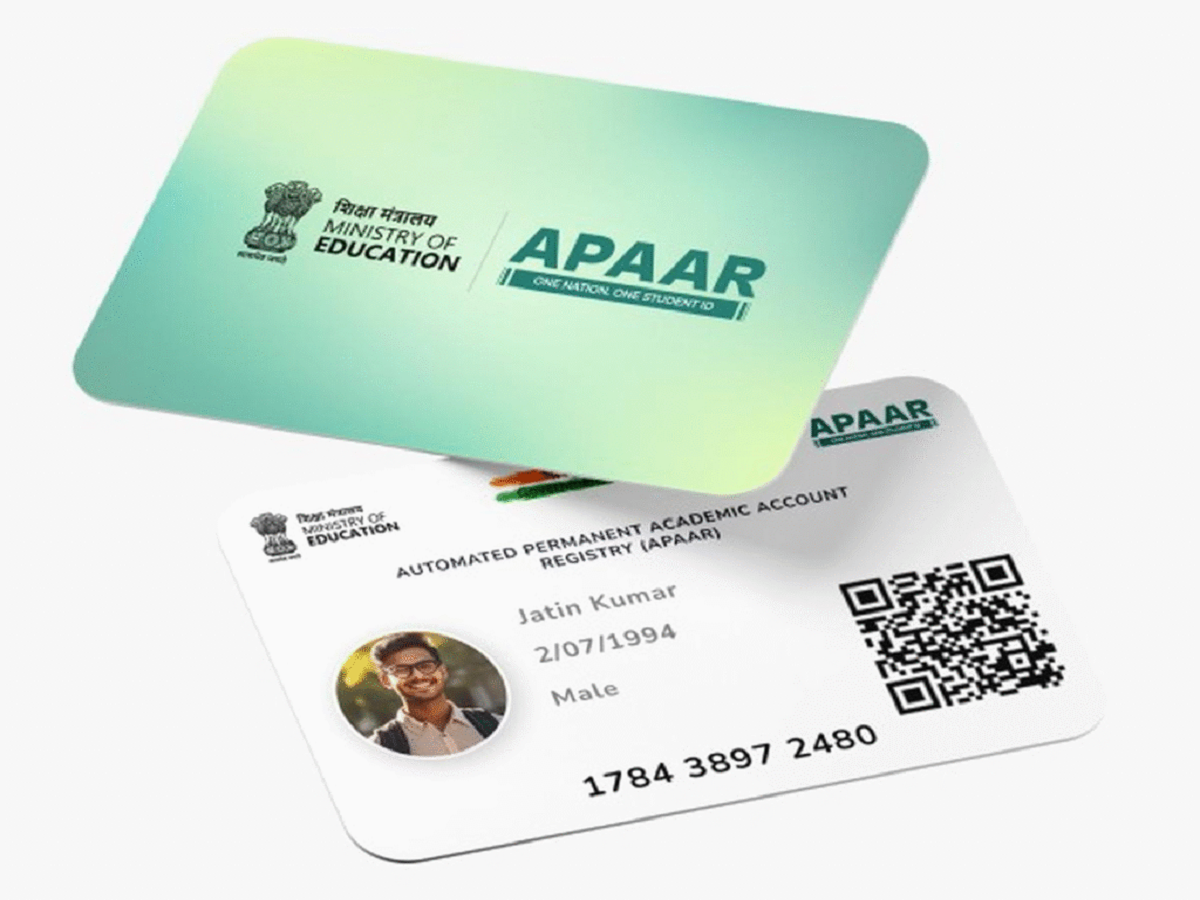
Move over Aadhaar—there is a new 12-digit identification card completely reshaping the administrative landscape across Indian education. In line with the National Education Policy (NEP), the central government has accelerated the rollout of the APAAR Card (Automated Permanent Academic Account Registry), aiming to bring millions of students under a single digital umbrella.
With major school boards making the APAAR ID a mandatory prerequisite for board exam registrations, the document has transitioned from an optional digital locker to a compulsory academic identity. Here is what this "One Nation, One Student ID" initiative means for families and how to secure one.
1. What Exactly is an APAAR ID?
Think of the APAAR card as a specialized, lifelong digital resume managed directly by the Ministry of Education. Unlike an Aadhaar card, which acts as a general proof of residence and identity, an APAAR ID tracks an individual's entire learning journey from pre-primary school all the way through a PhD or vocational training.
The Digital Vault
The unique 12-digit number acts as a master key to a student's Academic Bank of Credits (ABC). It automatically compiles and digitizes:
-
School report cards, official exam marksheets, and board passing certificates.
-
Extracurricular milestones, sports tournament certificates, and national Olympiad rankings.
-
Government scholarships, fee waivers, and state-level cash awards.
-
Skill development tokens and vocational certifications.
2. Why the Shift Matters: The End of Paper Transcripts
The administrative headaches of shifting between schools or applying for higher education institutions are being systematically removed.
The updated framework completely alters how student data moves between different institutions:
| Action / Problem | Old Manual System | New APAAR Integrated System |
| Inter-State School Transfer | Collecting physical Migration Certificates, character affidavits, and manual counter-signatures. | Pulling the student's Permanent Education Number (PEN) via APAAR to instantly transfer digital files. |
| Document Damage or Loss | Paying penalty fees and waiting months for duplicate physical board marksheets. | 100% cloud-backed access via DigiLocker with cryptographic government stamps. |
| Fraudulent Job Applications | Employers manually reaching out to universities to verify physical degrees. | Instant background verification by scanning the applicant's authorized academic credit locker. |
3. Prerequisite Checklist for Parents and Students
Before an APAAR card can be successfully generated by an institution's administration portal, a student's files must cross-match perfectly:
-
Aadhaar Data Symmetry: The student’s name, exact date of birth, and gender listed on their school admission profile must match their Aadhaar card down to a single character or space.
-
The Consent Factor: For minor students (under 18 years of age), a physical or digital Parental Consent Form must be signed and submitted to the school. Parents retain the legal right to withdraw this consent at any point.
The Workflow: How the APAAR ID is Generated
To prevent data duplicity and security leaks, students and parents cannot independently cook up an APAAR ID from scratch. The generation process relies on a secure bridge between the school and the central government database.