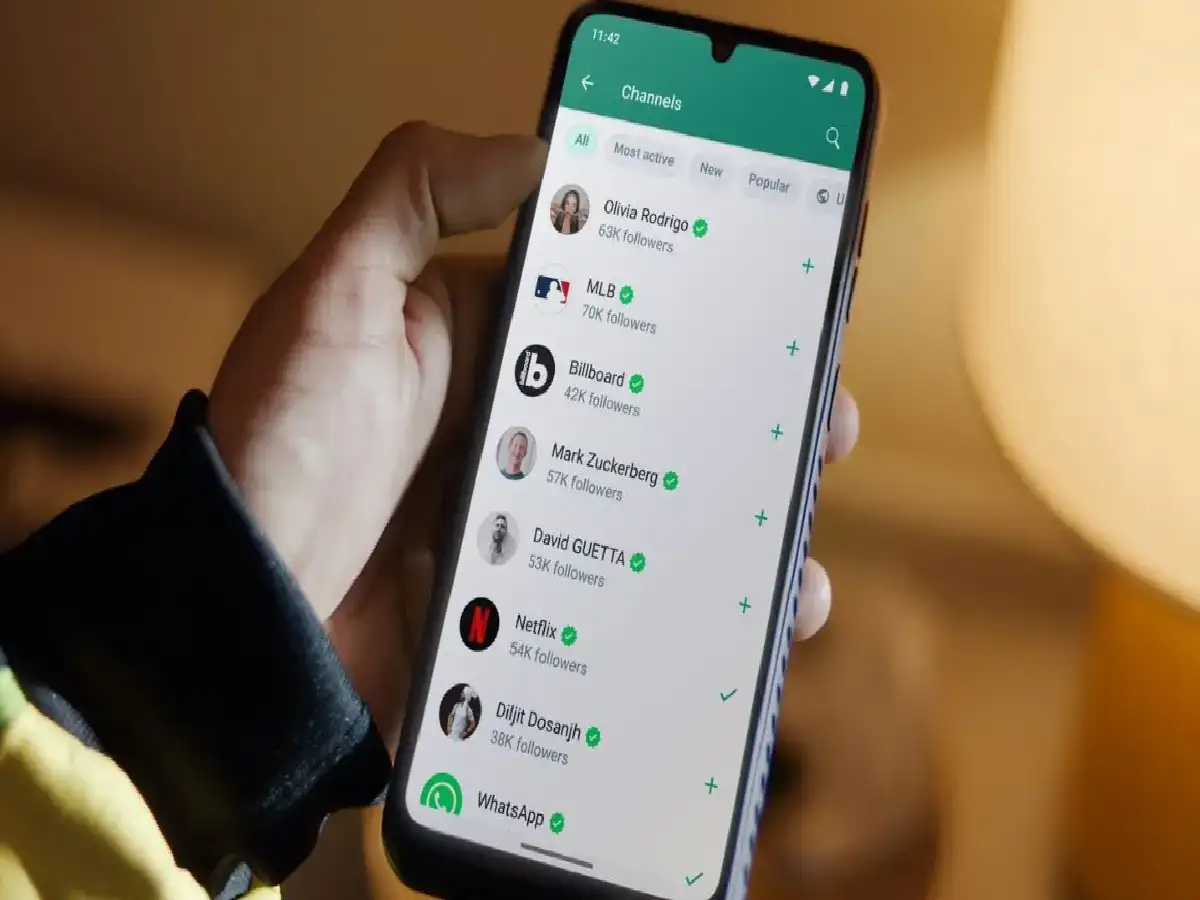
Now put long videos on WhatsApp Status without any hassle, just follow these easy steps
- bySudha Saxena
- 26 Nov, 2026
It's easy to add a long video of a trip, a special event, or a memorable family moment directly to WhatsApp Status. When you select your video from within the app, WhatsApp automatically segments it according to the timeline or gives you the option to choose a clip.
How to put a long video directly on WhatsApp Status
Open WhatsApp on your smartphone and go to the Updates (or Status) tab at the bottom or top.
Tap on Add to my status or directly select the camera/gallery icon.
Select the long video from the phone's gallery which you want to put in your status.
If the video exceeds the set time limit, WhatsApp can split it into segments or let you select a segment by sliding it on the timeline. You can then add a caption, text, or sticker as desired, and finally tap Send to update your status.
PC: INDIA TV HINDI

Tags:
- WhatsApp Update
- instagram green dot feature
- WhatsApp users
- WhatsApp online status
- WhatsApp chats
- online status for WhatsApp chats
- WhatsApp new feature
- WhatsApp upcoming feature
- green dot feature
- social media
- social media updates
- messaging platform updates
- Tech News
- WhatApp Song status
- Spam Calls and Messages on WhatsApp
- WhatsApp tips and tricks
- WhatsApp Hidden Features
- WhatApp UPI Payment
- EPFO on WhatsApp
- WhatsApp Account
- WhatsApp Tips
- WhatsApp Tricks
- WhatsApp Linked Devices
- Multiple Devices
- WhatsApp Web
- WhatsApp Guide
- WhatsApp Setting
- WhatsApp Features
- Tech Tips
- Smartphone Tips
- Mobile Tips
- whatsapp dp
- whatsapp privacy
- whatsapp tricks
- whatsapp tips
- whatsapp settingsprivacy
- android tips
- iphone tips
- WhatsApp's new Chat Preview feature
- WhatsApp Chat Lock