BUSINESS
New Aadhaar App Update Lets You Hide Your Aadhaar Number: Know How Masked Aadhaar Protects Your Identity
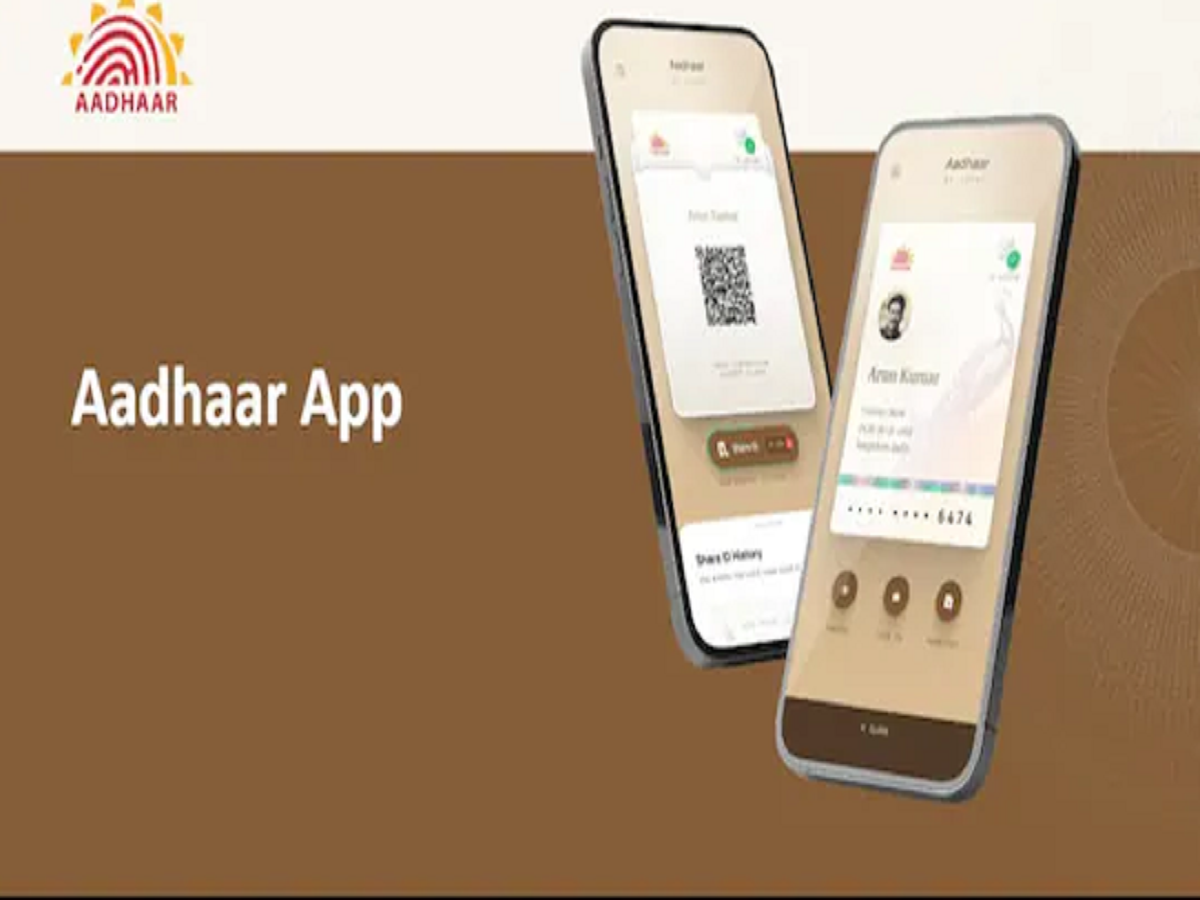
Aadhaar has become one of the most widely used identity documents in India, whether for hotel check-ins, travel, SIM verification, or office-related work. However, sharing your full Aadhaar number everywhere can put you at risk of identity theft and fraud. Keeping this in mind, the Unique Identification Authority of India (UIDAI) has introduced an important privacy-focused feature in the new Aadhaar app—Masked Aadhaar. With this update, users can verify their identity without revealing their complete Aadhaar number, making the process safer and more secure.
A Masked Aadhaar card is essentially a version of your Aadhaar card in which your 12-digit Aadhaar number is hidden. Only the last four digits are visible, while the rest of the number remains concealed. UIDAI itself advises citizens not to share their full Aadhaar details unless absolutely necessary. That is why the full version of the new Aadhaar App includes the option to download and share a Masked Aadhaar card instead of the regular one.
When you share a Masked Aadhaar card, your identity details such as name, photo, and QR code are visible, but your actual Aadhaar number remains protected. This significantly reduces the risk of misuse while still allowing identity verification. Masked Aadhaar is valid in situations where full Aadhaar details are not required, such as hotel check-ins, airports and railways, private offices and jobs, telecom verification, and SIM-related processes. However, for sensitive services like opening a bank account, availing government schemes, filing income tax returns, PAN-related work, or applying for loans, providing your full Aadhaar number is still mandatory.
Sharing a Masked Aadhaar card through the new Aadhaar app is simple. After opening the app, go to the home page and select the “Download Aadhaar” option. You will then be asked whether you want to download a Regular Aadhaar or a Masked Aadhaar. Choose the Masked Aadhaar option, and the file will be downloaded in PDF format. This PDF can be easily shared via WhatsApp, email, or other platforms without exposing your full Aadhaar number.
It is important to note that the downloaded Masked Aadhaar PDF is password-protected for added security. To open the file, you need to enter the first four letters of your name in capital letters followed by your year of birth. For example, if your name is Ramesh and you were born in 1992, the password would be RAME1992. This added layer of protection ensures that even if the file is shared, your personal information remains secure.