TECH
Mobile Storage Tricks: Is your mobile storage constantly filling up? Get more space for free by trying this one simple trick
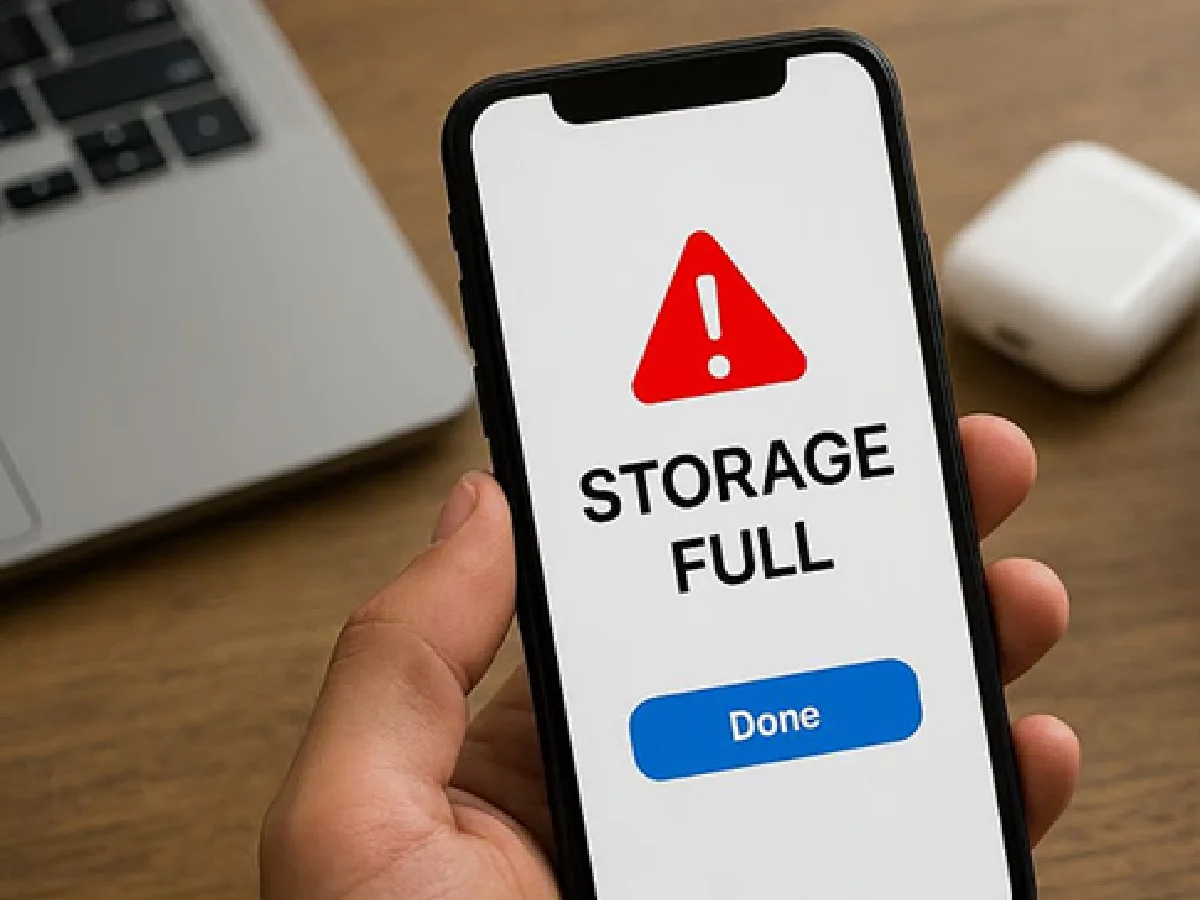
If your mobile storage gets filled up again and again, then we are going to tell you about some easy and effective tricks to solve this problem.
Clean cached data and hidden files
Many mobile apps store a lot of cache data while you're using them, which can take up several GB of space over time. It's important to periodically clear this data from the "Storage" section in your phone's settings. Additionally, deleting unnecessary photos and videos from the "Data" and "Sent" folders on WhatsApp can free up a lot of space. Often, deleted photos remain in the "Trash" or "Bin" for 30 days, and they need to be permanently deleted from there.
Use Cloud Storage Smartly
Cloud storage is the best way to save mobile memory. You can delete backed-up photos from your phone using the "Free up space" feature in Google Photos. Alternatively, you can use apps like Telegram as a personal cloud where your important documents and files will be safe and won't burden your phone. Apps like TeraBox offer up to 1 TB of free cloud space, which can be used to store large files.
Select duplicate files and 'lite' apps
Your phone often contains multiple duplicates of the same photo or file. You can easily find and delete duplicates using apps like Files by Google. Also, replace heavy apps like Facebook, Instagram, or Messenger with lighter versions. These apps take up less space and don't put too much strain on your RAM, which can also help prevent mobile hangs.
Web browser and auto download settings
Photos and videos on social media apps often download automatically, quickly filling up storage. Turn off media auto-download in WhatsApp and Telegram settings so only the photos you want are downloaded. Also, periodically clearing old download files and cookies in the Chrome browser can free up a lot of space. These small but effective steps will get your phone running like new again.
PC: Esakal