TECH
Missed an important email among hundreds of emails? This Gmail trick will help; it will play a ringtone as soon as an email arrives
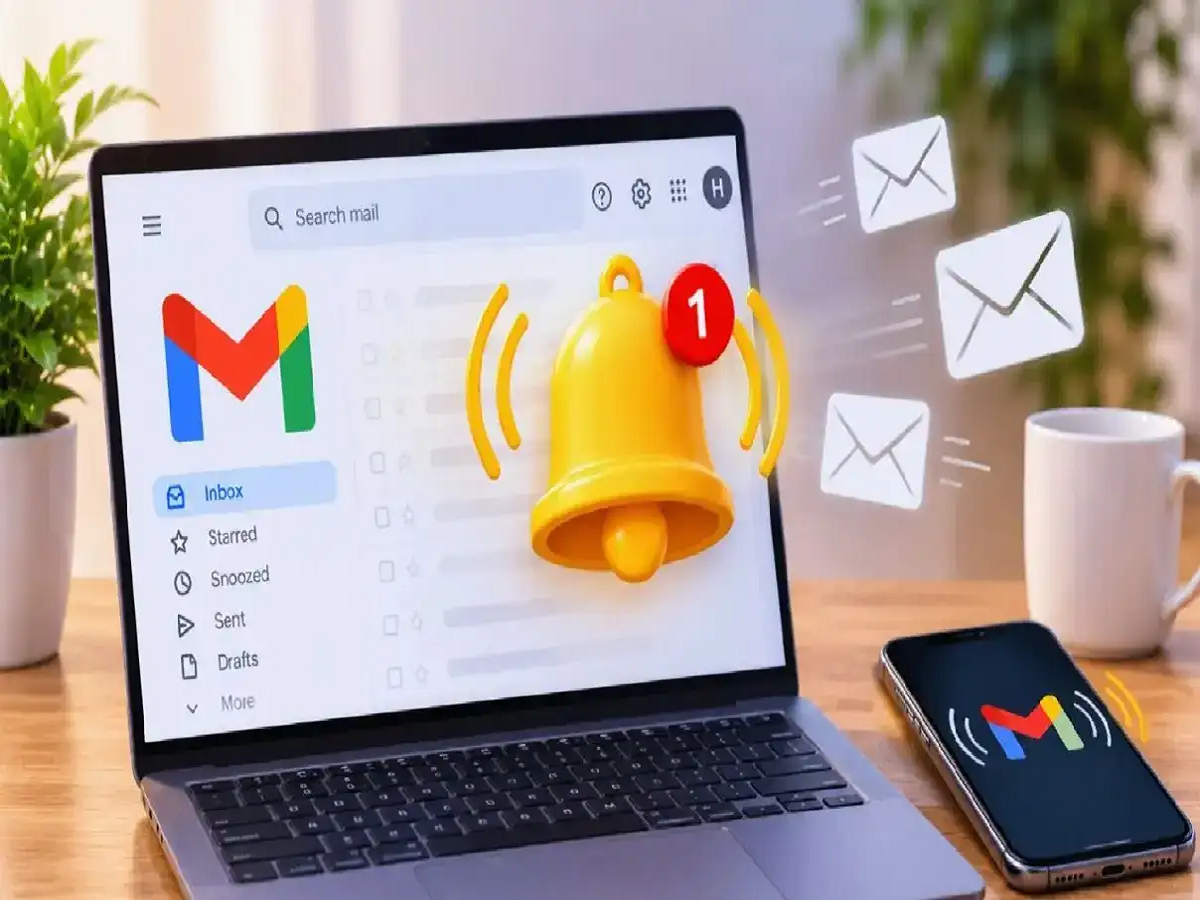
We receive hundreds of emails on Gmail every day. Most of these emails contain advertisements, which are useful to you. Sometimes, among these hundreds of emails, we ignore important emails. We cannot constantly keep an eye on our inbox so that no email is overlooked. In such a situation, you can use a simple trick. If you are waiting for an important email and do not want it to be overlooked in the crowd of hundreds of emails, then you can set an alert for a specific email. As soon as this important email arrives, a ringtone will play and you will get its information.
Follow these steps to set an alert for a specific email.
First, create a label on Gmail. To do this, click the plus (+) sign next to the Labels option. Create a label by typing a name.
Open Gmail on your computer.
Click the Filter option to the right of the search bar.
In the From box that appears, type the email address from which you received important emails.
Click the Create Filter option.
You'll see two options: Apply the Label and Always Mark It as Important.
Apply the Label will display the name of the label you created. Select it. Then, select the Always Mark It as Important option. Tap Create Filter.
If any emails arrive from the email address you specified, they will appear in your inbox and in your label.
Recharge once and be worry-free for a year! This is BSNL's amazing plan, offering these benefits with a 365-day validity.
Now let us know the process of setting alerts.
On your computer, click on the Settings option next to the search bar. Select the See All Settings option.
Tap the General option and scroll down.
Here you will see Desktop Notifications, click on it.
Click on Important Mail Notifications On.
Here you will see the Mail Notification Sound option. Now select your favorite ringtone from the list.
This ringtone will play whenever an email arrives from the specific email ID you set; letting you know that the email you were waiting for has arrived.
PC: Navarastra