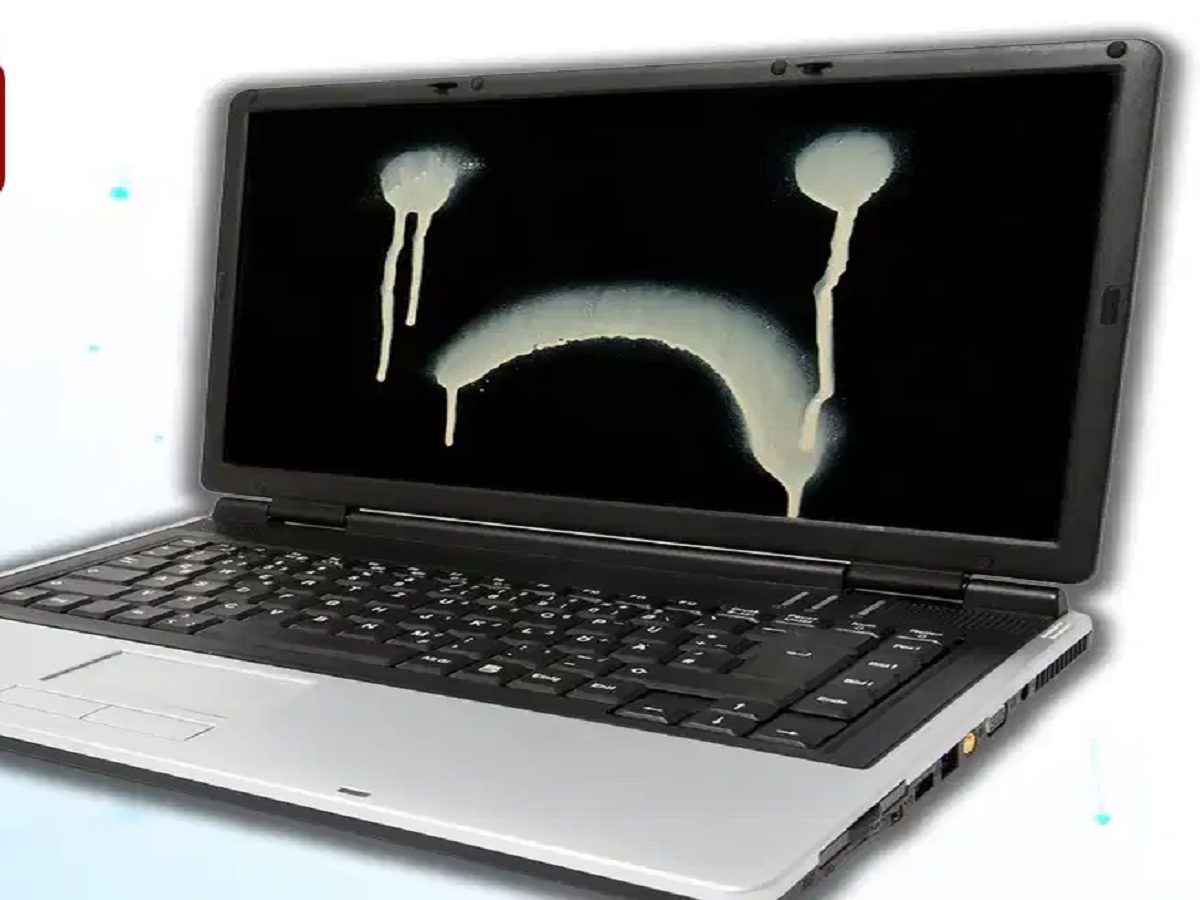
If your laptop has been sitting unused in a cupboard for several months, simply taking it out and switching it on may not be enough. Long-term storage can affect the battery, while moisture, heat, dust, and poor storage conditions can damage internal components.
The good news is that storing a laptop for a long time is generally safe if you follow a few simple precautions.
Don't Store It With a Completely Dead Battery
One of the biggest mistakes is leaving a laptop at 0% battery for months.
Lithium-ion batteries slowly lose charge even when a device is switched off. If the battery remains deeply discharged for a long period, it can lose capacity and, in some cases, may become difficult or impossible to recharge.
If you know you won't be using your laptop for several months, keeping the battery around 50–60% is generally a better option than storing it completely empty.
Moisture Can Cause Serious Damage
A cupboard may protect your laptop from dust, but it can become a problem if the area is humid or damp.
Moisture can affect electronic components, connectors, and other internal parts. Over time, it can contribute to corrosion and oxidation.
Ideally, store the laptop in a cool, dry, and well-ventilated location. If you live in a particularly humid environment, appropriate moisture-control measures can help.
However, don't put silica gel packets inside the laptop or its ports.
Don't Just Close the Lid and Forget About It
Keeping a laptop switched off for a few months doesn't automatically damage it. However, long-term storage still deserves some attention.
If the laptop will remain unused for an extended period, check it occasionally. You can inspect the battery level and recharge it if necessary rather than allowing it to remain completely discharged.
Keep the device covered with a clean, dry protective cover to reduce dust accumulation.
Also avoid storing it in places exposed to direct sunlight, high temperatures, or excessive humidity.
What About the SSD or Hard Drive?
Another common misconception is that an SSD or hard drive will automatically stop working simply because a laptop hasn't been switched on for several months.
That's not necessarily true.
Under normal storage conditions, leaving a laptop unused for a few months does not automatically make its storage device unusable. Excessive heat, moisture, physical damage, aging, or existing hardware problems are more important concerns.
Regardless of the storage type, keeping a backup of important files is always a good idea.
How to Store Your Laptop Properly
If you won't be using your laptop for several months, follow these steps:
-
Back up all important files.
-
Charge the battery to around 50–60%.
-
Shut down the laptop completely rather than leaving it in sleep mode.
-
Store it in a cool, dry and dust-free location.
-
Keep it away from direct sunlight and heat sources.
-
Avoid damp cupboards or areas with high humidity.
-
Check the laptop and battery periodically if it will remain unused for a long time.
The Bottom Line
A laptop doesn't become "junk" simply because it has been switched off for months. The real problem is improper long-term storage.
Keeping the battery completely drained, exposing the laptop to moisture or extreme temperatures, and neglecting the device for a long period can increase the risk of problems.
So, before putting your laptop away in a cupboard, charge it to a moderate level, shut it down properly, back up your data, and choose a cool and dry place for storage.