
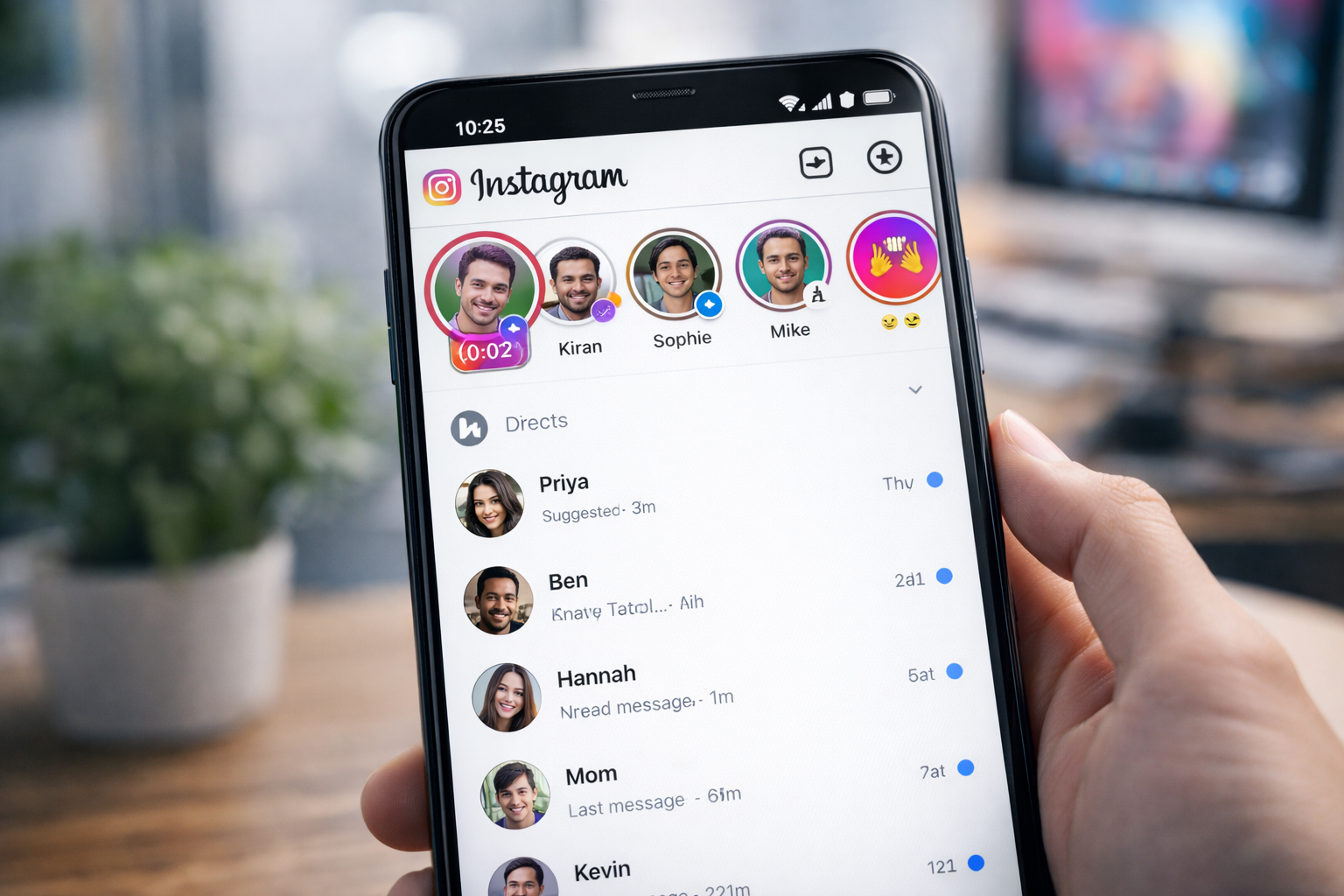
Instagram has rolled out a fresh update that allows users to post short videos as Notes in their Direct Messages (DM) section. The Meta-owned social media platform continues to refine its features to encourage quick, interactive communication, and this latest addition brings a visual twist to the already popular Notes tool.
Originally launched as a text-only feature, Instagram Notes enabled users to share brief status updates that appear at the top of their inbox for 24 hours. Over time, the platform expanded the feature to include music snippets and voice notes. Now, Instagram has taken another step forward by introducing 2-second video Notes — offering users a fast and creative way to express themselves.
Here’s everything you need to know about Instagram Video Notes and how to use them effectively.
What Are Instagram Video Notes?
Instagram Video Notes are short, 2-second clips that appear in the Notes tray above your DM conversations. Like text Notes, they remain visible for 24 hours and are designed for quick updates rather than long-form content.
Unlike Instagram Stories, Video Notes are limited to:
-
A maximum duration of 2 seconds
-
Recording through the front-facing camera only
-
Visibility to close friends or mutual followers
-
A 24-hour display window
This feature aims to make conversations more engaging by allowing users to add facial expressions and visual cues to their updates.
How to Post a Video Note on Instagram
If you want to try out the new feature, follow these simple steps:
Step 1: Open Instagram and Go to Your Inbox
Launch the Instagram app on your smartphone and tap the DM (Direct Message) icon to access your inbox.
Step 2: Tap Your Profile Picture in the Notes Section
At the top of your inbox, you’ll see the Notes tray. Tap your profile picture. Then select the camera icon to begin recording.
Step 3: Record a 2-Second Video
Use the front camera to capture a short clip. Since the duration is limited, keep your message quick and expressive.
Step 4: Add a Caption (Optional)
Before sharing, you can include a short text caption to provide context or clarify your message.
Step 5: Share Your Video Note
Once you’re satisfied, post your Video Note. It will remain visible for 24 hours to your selected audience.
How to Reply to Instagram Video Notes
Instagram also allows users to respond to Video Notes directly through DMs. Here’s how:
Step 1: Open the Instagram App
Go to your Direct Messages section.
Step 2: Tap the Video Note
Select the Video Note you want to respond to. This will open a reply window.
Step 3: Choose Your Response Format
You can reply using:
-
Text messages
-
Photos
-
Videos
-
GIFs
-
Stickers
-
Voice notes
Step 4: Send Your Response
Submit your reply within the 24-hour timeframe, as responses are only possible while the original Note is visible.
Key Things to Remember
Before using the feature, keep these points in mind:
-
Short Duration: Videos are limited to just 2 seconds.
-
Front Camera Only: Recording must be done using the front-facing camera.
-
Temporary Visibility: Video Notes disappear after 24 hours.
-
Caption Option Available: You can add text to explain or enhance your clip.
-
Interactive Replies: Friends can respond with multimedia messages, making conversations more dynamic.
Why This Feature Matters
Instagram continues to compete in the fast-paced social media landscape by introducing features that promote spontaneous interaction. Video Notes combine the immediacy of status updates with the personality of short-form video, making them ideal for quick greetings, reactions, or announcements.
For users who prefer more intimate communication within DMs rather than public Stories, this feature offers a subtle yet engaging alternative.
As Instagram evolves, small additions like Video Notes reflect the platform’s focus on enhancing user engagement through simple, creative tools.



