TECH
How to use the same WhatsApp account on multiple devices? Learn how to use the linked devices feature easily
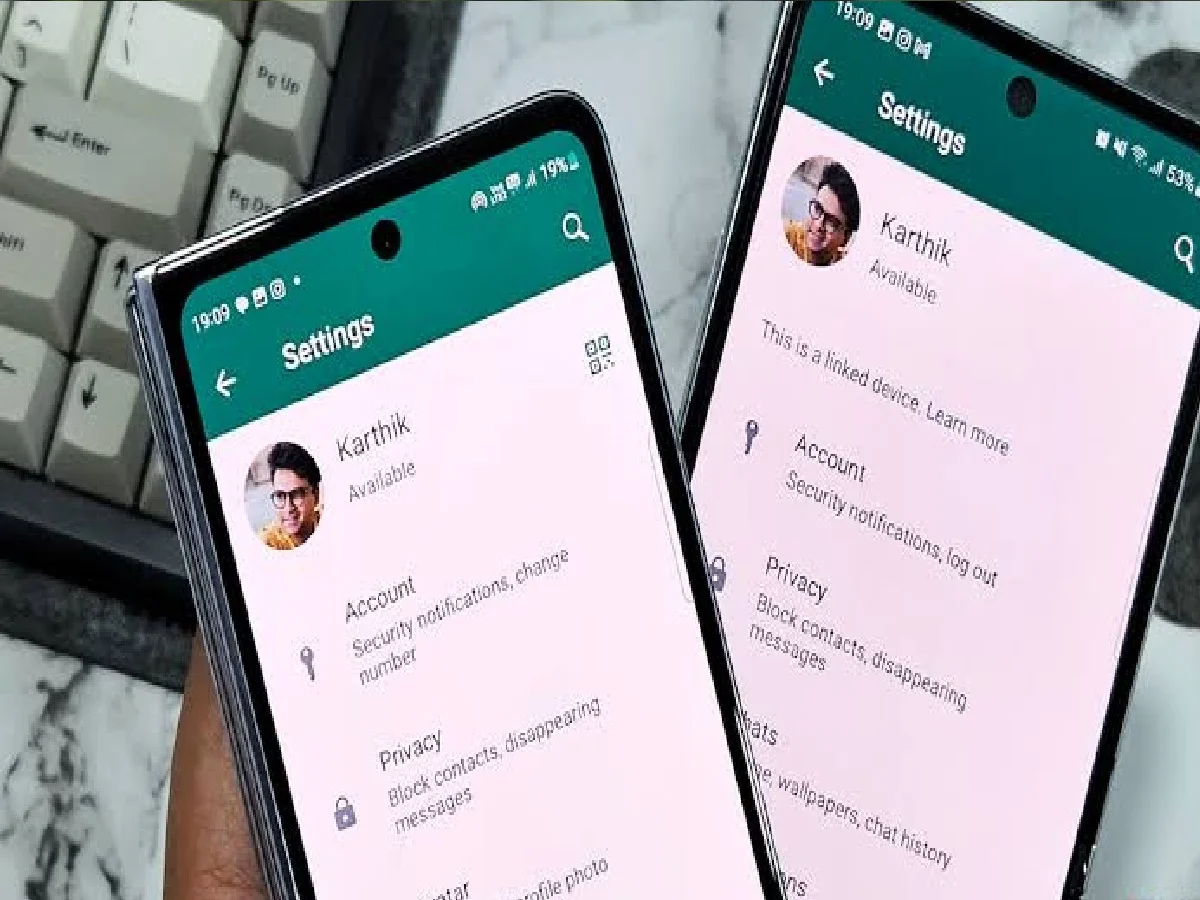
Nowadays, it's extremely convenient to use the same WhatsApp account on your phone, laptop, desktop, or other tablet/phone for work and everyday needs. WhatsApp's Linked Devices feature lets you chat securely on multiple devices without the need for your primary phone to be online all the time.
How to add WhatsApp on a computer or laptop?
Open WhatsApp Web or app: Open web.whatsapp.com in your laptop or computer's browser or launch the WhatsApp Desktop app, where you'll see a QR code.
Go to Settings: Open WhatsApp on your main phone. On Android, tap the three dots in the top right > Linked devices, and on iPhone, go to Settings > Linked devices.
Scan the QR code: Tap Link a device (verify your biometrics or phone lock if needed) and scan the QR code displayed on your computer screen. Once scanned, your chats will load on your screen.
How to use the same account on another phone or tablet?
Install WhatsApp on the second tablet or companion phone and tap Agree and continue after selecting the language.
Instead of entering a new number, click the three dots in the top right and select Link to existing account (or Link a device).
Now scan the QR code displayed on this second screen from the main phone's Linked devices > Link a device.
Security and important things :
Check connected devices : Periodically check the "Linked devices" section of your phone to see which devices are connected to your account. To remove an unknown or outdated device, tap it and log out.
Privacy and security: Messages and calls are end-to-end encrypted, even on linked devices. For security reasons, linked devices may automatically log out if the primary phone is idle or offline for an extended period (typically around 14 days).
PC: XDA Developer