TECH
How to Check Your Area's AQI on Your Smartphone? 5 Easy Ways to Know How Polluted the Air Is Before Stepping Outside
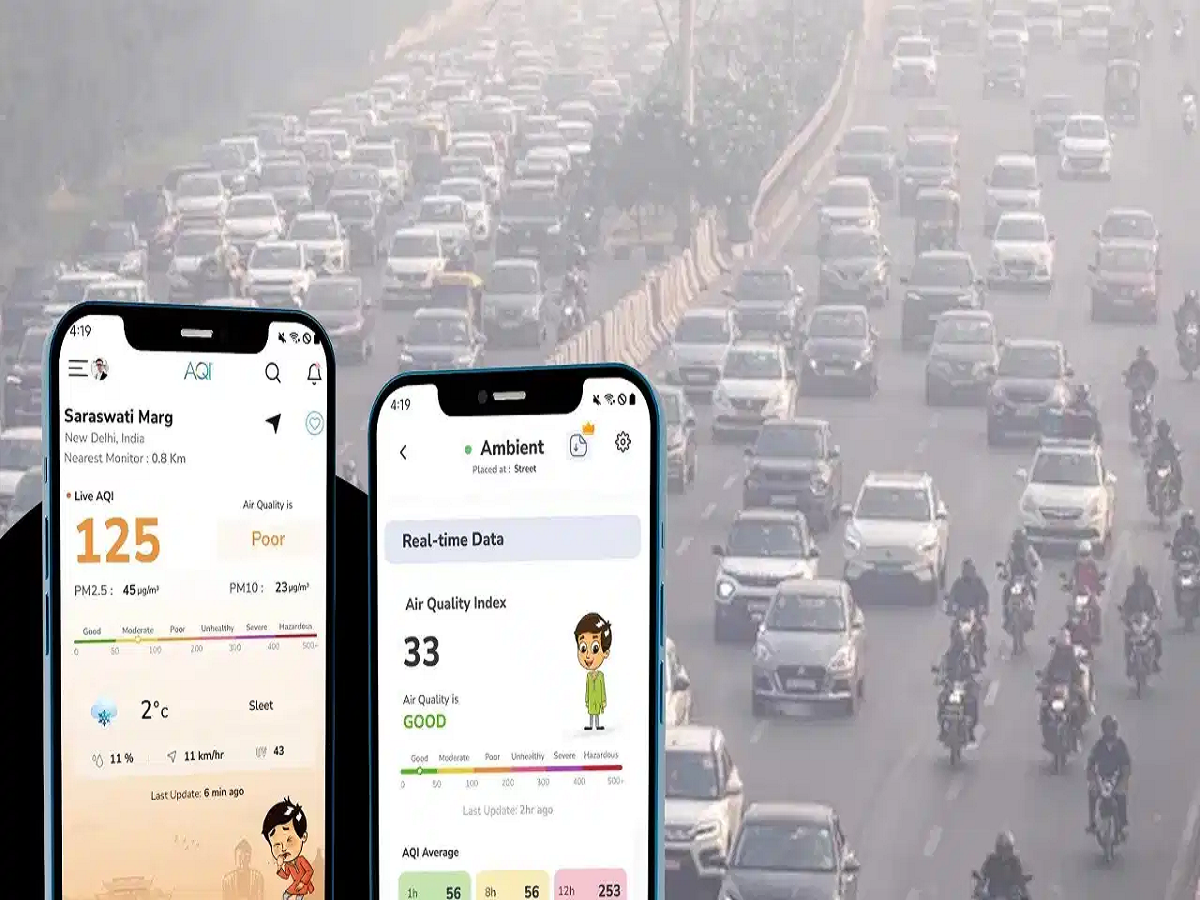
With air pollution becoming a growing concern across several Indian cities, knowing the quality of the air you breathe has become increasingly important. While checking the weather has become a daily habit for many smartphone users, monitoring the Air Quality Index (AQI) is equally important, especially during periods of high pollution.
The good news is that you do not need an expensive air quality monitoring device to check pollution levels around you. Your smartphone can help you find AQI information within minutes through government applications, websites and popular digital platforms.
From the CPCB's SAMEER app to Google Maps and IQAir, here are five simple ways to check your area's air quality from home.
1. Check AQI Using the Government's SAMEER App
The SAMEER application, developed by the Central Pollution Control Board (CPCB), is one of the useful options for checking air quality across India.
You can download the application from the Google Play Store or Apple App Store.
Follow these steps:
-
Open the SAMEER application on your smartphone.
-
Allow location access or select your city manually.
-
Check the AQI information displayed for nearby monitoring stations.
-
Explore additional pollution readings, including PM2.5 and PM10.
The application provides information from air quality monitoring stations, helping users understand pollution levels in different locations.
2. Check Air Pollution Through the CPCB Website
If you do not want to install another application, you can directly visit the Central Pollution Control Board's official website.
Select your city or preferred monitoring station to view the available air quality information.
The website provides details about AQI levels and individual pollution parameters, including particulate matter. This makes it a useful option for people who prefer accessing government data through a browser.
3. Use Google Maps to View AQI
Google Maps offers an Air Quality layer in supported locations, allowing users to view pollution information directly on a map.
Here is how to access it:
-
Open Google Maps on your smartphone.
-
Tap the Layers option near the top of the screen.
-
Look for the Air Quality option.
-
Select it to view available air quality information on the map.
-
Explore different areas to compare pollution levels.
This feature can help you get a broader picture of air quality before planning an outdoor activity. However, its availability and data coverage may vary by location.
4. Use the IQAir App or Website
IQAir is another popular platform for monitoring air pollution around the world.
You can access its services through its smartphone application or official website.
Simply select your city or allow location access to view available AQI readings. The platform also provides information about PM2.5 concentrations, pollution trends and air quality forecasts in supported locations.
It can be particularly useful when you want to compare pollution levels across different cities or monitor changes throughout the day.
5. Check AQI Through AQI.in
Another convenient option is AQI.in, which provides air quality information for different Indian cities and localities.
Visit its website and enter the name of your city or area in the search bar.
You can then check the available AQI readings and pollution information. This makes it easier to understand local air quality without installing an additional application.
What Do Different AQI Numbers Mean in India?
Simply knowing your AQI number is not enough. You should also understand what the reading indicates about the quality of the air.
According to India's National Air Quality Index classification, the categories are:
| AQI Range | Air Quality | Health Impact |
|---|---|---|
| 0–50 | Good | Minimal impact |
| 51–100 | Satisfactory | Minor breathing discomfort to sensitive people |
| 101–200 | Moderate | Breathing discomfort to people with asthma, lung or heart conditions |
| 201–300 | Poor | Breathing discomfort to most people on prolonged exposure |
| 301–400 | Very Poor | Respiratory illness on prolonged exposure |
| 401–500 | Severe | Respiratory effects even on healthy people; serious impact on vulnerable groups |
What Should You Do When AQI Levels Are High?
If your area's AQI is elevated, taking a few precautions can help reduce your exposure to polluted air.
-
Avoid outdoor running, jogging and intense workouts when pollution levels are high.
-
Keep windows and doors closed during periods of heavy outdoor pollution.
-
Consider using an appropriately sized air purifier indoors.
-
Wear a well-fitting N95 mask when outdoor exposure is unavoidable.
-
Children, older adults and people with existing respiratory or heart conditions should take extra precautions.
-
Check AQI readings regularly, particularly before planning outdoor activities.
Remember that AQI readings can vary between monitoring stations and may change throughout the day. Also, government monitoring stations measure outdoor air quality, which may differ from the air quality inside your home.
Final Thoughts
Checking air quality is just as important as checking the weather, particularly when pollution levels are rising. With tools such as SAMEER, the CPCB website, Google Maps, IQAir and AQI.in, you can access useful pollution information directly from your smartphone.
Make checking the AQI a part of your daily routine before stepping outside. A few seconds of checking air quality can help you make better decisions about outdoor exercise, travel and other daily activities.