TECH
Hidden Phone Features You’re Probably Not Using: 7 Settings That Can Make Everyday Tasks Easier
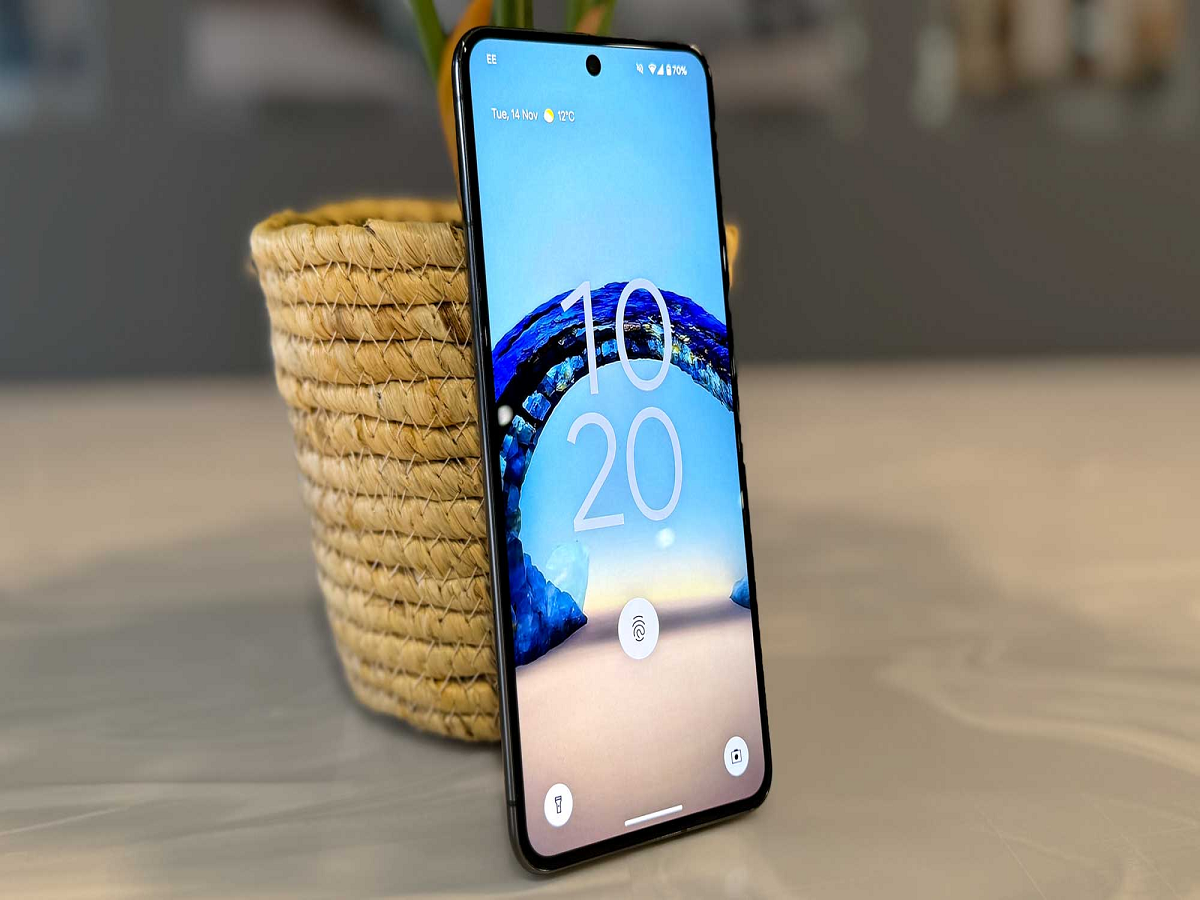
Smartphones have become incredibly powerful, but many useful features remain buried inside menus that most people rarely explore. You don't necessarily need another app to make your phone more convenient—some of the best tools are already built in.
Here are seven features worth checking on your smartphone.
1. Use the Search Bar Inside Settings
Can't find a particular option? Instead of opening different menus one by one, use the search function inside the Settings app.
Searching for terms such as "battery," "permissions," "notifications," "screen recording" or "backup" can take you directly to the relevant setting.
This simple trick can save a surprising amount of time.
2. Pin Important Apps or Conversations
Many Android phones allow you to pin apps or use shortcuts for frequently accessed functions. Some messaging apps also provide options to pin important conversations.
This is particularly useful for keeping frequently used chats, notes or applications within easy reach.
3. Scan Documents Without a Scanner
Your smartphone camera can often be used to scan receipts, forms and documents.
Built-in camera or notes applications on many phones can detect the edges of a document, correct its perspective and save it as a digital file.
This can eliminate the need for a separate scanner for everyday paperwork.
4. Turn on One-Handed Mode
Large smartphone screens are excellent for watching videos and browsing websites, but they can be difficult to operate with one hand.
Many modern phones include a one-handed mode that temporarily reduces or shifts the usable screen area.
If you frequently use your phone while carrying something in your other hand, this feature can be particularly useful.
5. Share Your Wi-Fi Without Typing the Password
Instead of reading out a complicated Wi-Fi password, compatible phones can share network credentials using a QR code or built-in sharing feature.
This is faster and also reduces the chance of entering the password incorrectly.
The exact method varies depending on your phone and operating system.
6. Use Live Text or Text Recognition
Many smartphones can recognize text appearing in photographs.
You can use this to copy text from a printed document, extract a phone number from a poster or translate text captured by the camera.
Rather than manually typing everything, simply point the camera at the information and look for the text-recognition option.
7. Check Which Apps Have Sensitive Permissions
Apps can request access to your camera, microphone, location, contacts and photos.
Take a few minutes to review these permissions and remove access that an app doesn't actually need.
For example, a simple utility application may not require constant access to your location or microphone.
A Few Minutes Can Make a Big Difference
You don't need to install a collection of third-party applications to get more from your smartphone.
Features such as document scanning, text recognition, one-handed operation, Wi-Fi sharing and permission controls are already available on many devices.
The next time you upgrade your phone, don't just explore the camera and display—spend a few minutes exploring the Settings menu too. You may discover tools that have been sitting on your phone all along.