BUSINESS
Here's how to do e-KYC on your ration card; otherwise, or else obtaining grain will be stopped
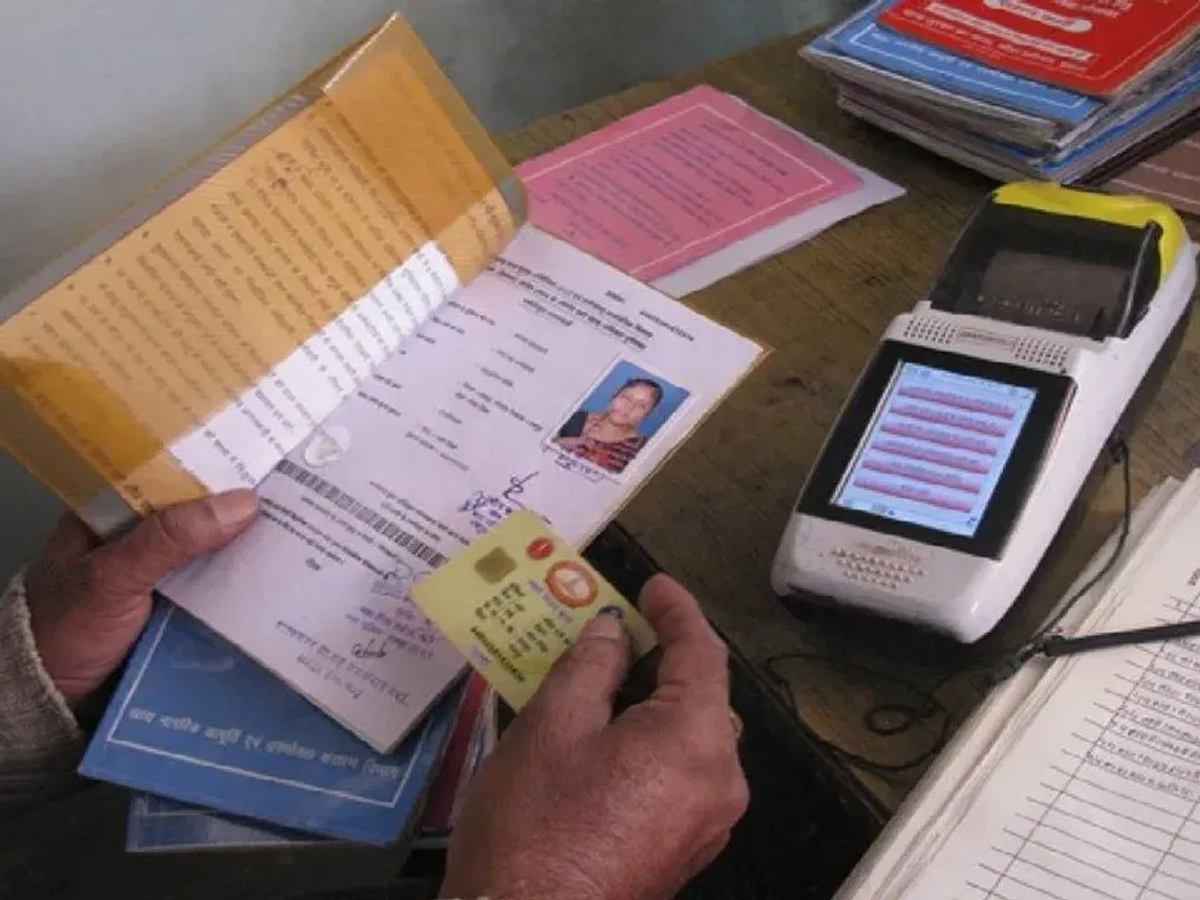
Ration Card E-KYC: E-KYC is now mandatory for ration card holders. Failure to complete this process on time could result in problems obtaining rations. Learn the easy way to complete it.
Millions of people in the country depend on government rations every month. The government provides subsidized or free food grains to needy families through ration cards. However, to ensure that the benefits of these schemes reach the right people, e-KYC has been made mandatory for ration card holders.
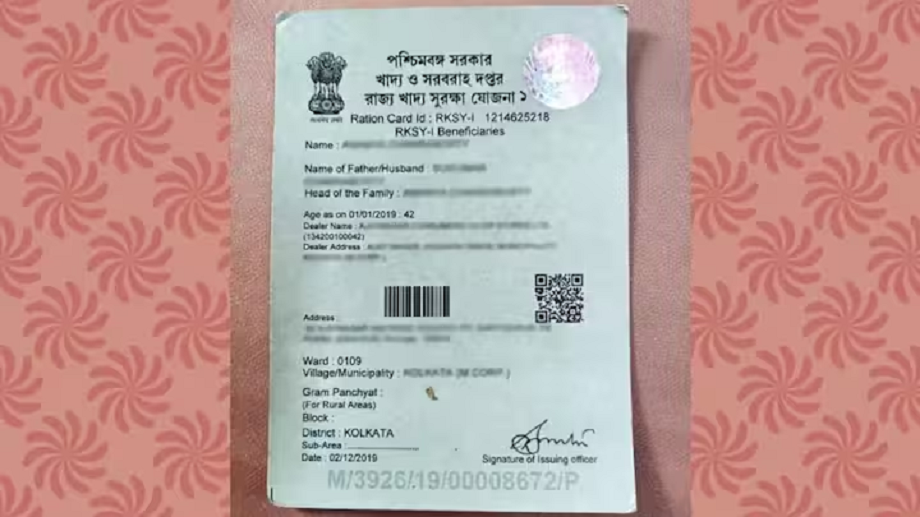
The government periodically updates beneficiary data to ensure accurate records. This is why e-KYC has been made mandatory. This verifies that the ration card is in the hands of the actual beneficiary. It also helps remove duplicate or fraudulent entries.

According to the new rules, ration card holders are now required to update their e-KYC once every five years. Many people completed this process a long time ago, so they may need to update it again. This helps keep beneficiary information current in government records and prevents future issues.

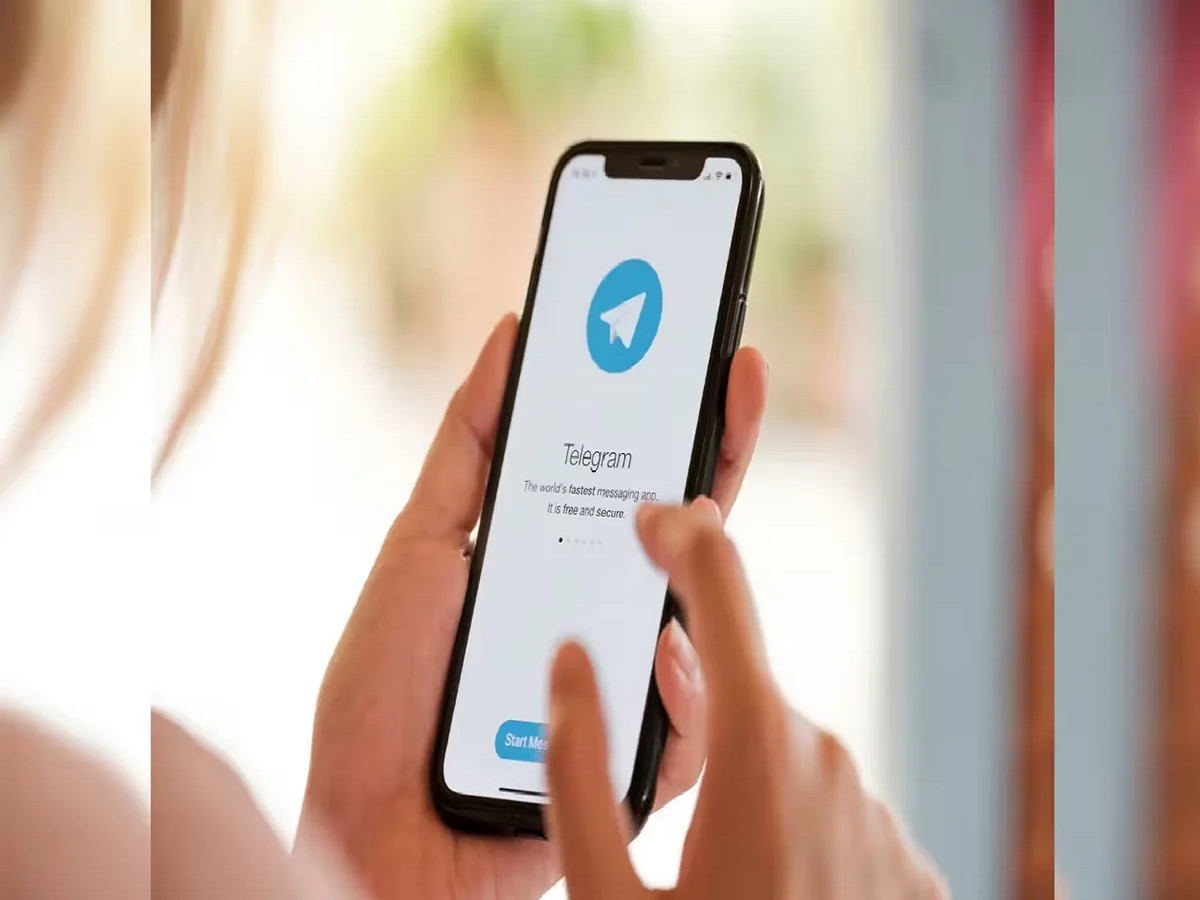
Now, performing e-KYC has become easier than ever. It can even be done using a mobile phone. To do this, first download the Mera KYC and Aadhaar FaceRD apps to your phone. Open the apps, enter your location, enter your Aadhaar number, and proceed with the captcha. After this, you will need to verify using the OTP received on your mobile phone.
After OTP verification, Aadhaar-related information will appear on the screen. Here, select the Face e-KYC option. The phone's camera will then turn on. The user will need to scan their face or take a photo. Once the photo is captured, a "Submit" option will appear. Tapping on this option will proceed.
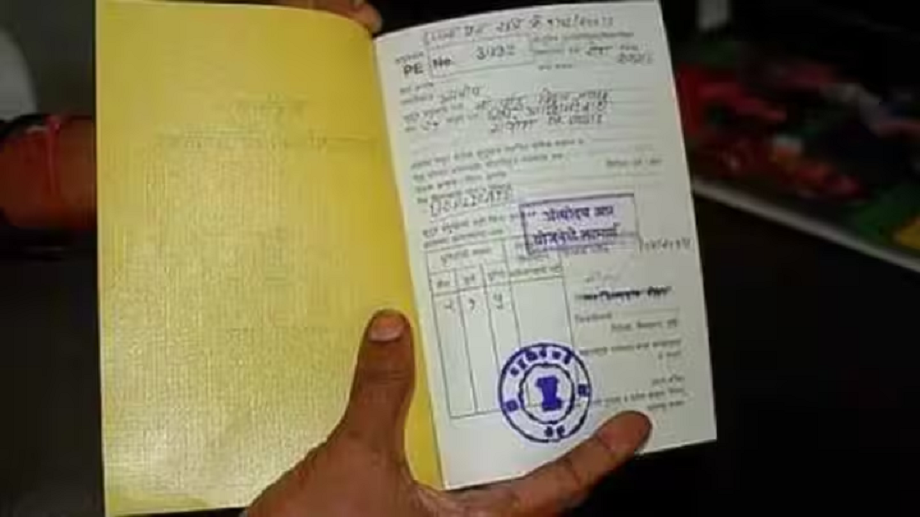
Once e-KYC is complete, its status can be easily checked. To do this, open the Mera KYC app again and log in by entering your Aadhaar number, captcha, and OTP. The status will then be displayed on the screen. If "Y" appears, e-KYC is complete. If "N" appears, it means KYC has been completed.
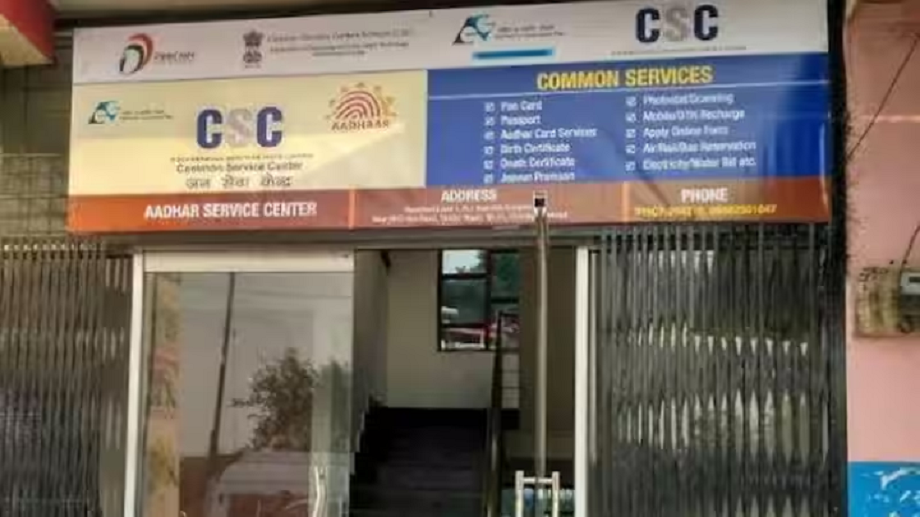
If for some reason, e-KYC cannot be done using your mobile phone, an offline method is also available. You can visit your nearest ration shop or Common Service Center and have your Aadhaar card and ration card verified there.
PC:Bhaskar