Google Maps has become an essential application for millions of smartphone users. Whether you are travelling to a new city, searching for nearby restaurants or trying to avoid traffic, the application offers several tools that make navigation easier.
However, many people use Google Maps only to search for locations and follow directions. It also includes useful features that can help you save time, plan journeys and share your location more conveniently.
Here are eight Google Maps features worth exploring.
1. Download Maps for Offline Navigation
Travelling through an area with poor internet connectivity can make navigation difficult.
Google Maps allows you to download maps of selected areas for offline use. Open the application, tap your profile picture, select Offline Maps and choose the area you want to download.
You can then access basic navigation information within the downloaded area, although live traffic updates and some other features require an internet connection.
2. Share Your Live Location With Family
If you are travelling alone or meeting someone at an unfamiliar place, sharing your live location can be helpful.
Open Google Maps, tap your profile picture and select Location Sharing. Choose the person and duration for which you want to share your location.
You can stop sharing whenever you want.
3. Find Nearby Petrol Pumps and Restaurants
Google Maps can help you discover useful places around your current location.
Search for petrol pumps, hospitals, restaurants, ATMs, pharmacies or other services to see nearby options.
You can also check available ratings, reviews, photographs and business information before deciding where to go.
4. Check Traffic Before Starting Your Journey
You do not need to start navigation to understand traffic conditions.
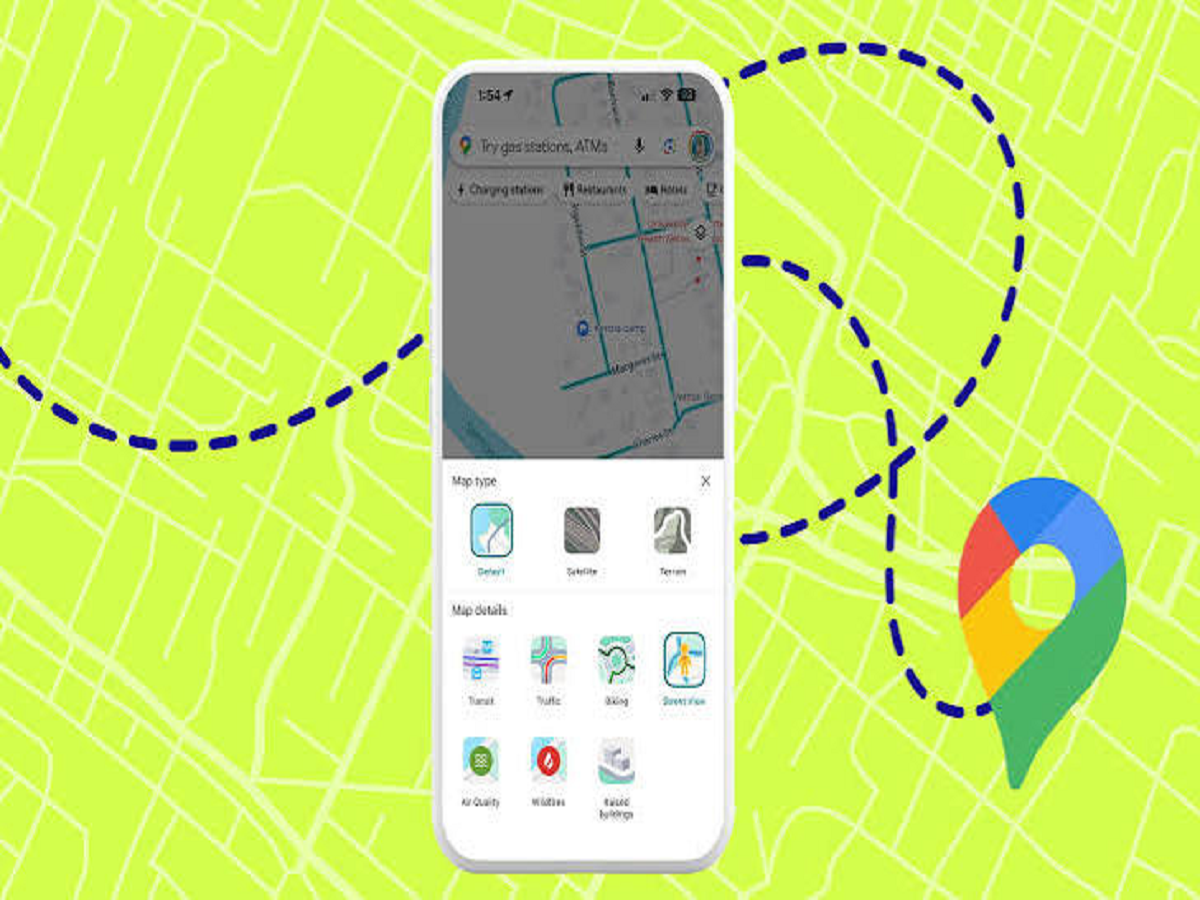
Open Google Maps and select the Layers option. Choose the Traffic view to see different road conditions.
The colour indicators help you identify roads with smooth traffic, moderate congestion and heavy traffic.
This can help you decide when to leave or which route to consider.
5. Save Your Parking Location
Finding your vehicle in a crowded parking area can sometimes be frustrating.
Google Maps allows you to save your parking location. After parking, open the application, tap the blue location indicator and select the option to save your parking location, where available.
You can later use the saved location to find your vehicle.
6. Add Multiple Stops to One Journey
Planning a trip with several destinations becomes easier with Google Maps.
Enter your starting point and destination, then use the Add Stop option to include additional locations.
You can arrange the stops according to your travel plan instead of entering a new destination after every journey.
7. Check Your Travel History Through Timeline
Google Maps Timeline can help you review places and routes associated with your past journeys, depending on your settings and whether Timeline data is available.
You can access Timeline through your profile menu and manage your location history preferences.
Google's Timeline settings have changed over time, and much of the data is now stored on the user's device, depending on the account and setup.
8. Use Street View Before Visiting a New Place
Sometimes, knowing the exact appearance of a location can make navigation easier.
Google Maps Street View lets you explore supported streets through panoramic images.
This can be particularly useful when visiting an unfamiliar building, hotel, office or tourist attraction for the first time.
Bonus Tip: Set Your Preferred Route Options
Google Maps allows users to customise certain route preferences, such as avoiding toll roads, motorways or ferries where supported.
Before starting navigation, open the route options and select the preferences that suit your journey.
Final Words
Google Maps offers much more than basic turn-by-turn navigation. Offline maps, live location sharing, traffic information, saved parking and Street View can make everyday travel more convenient.
Explore these features and adjust the application's settings according to your needs. A few small changes can make your next journey easier to plan and navigate.