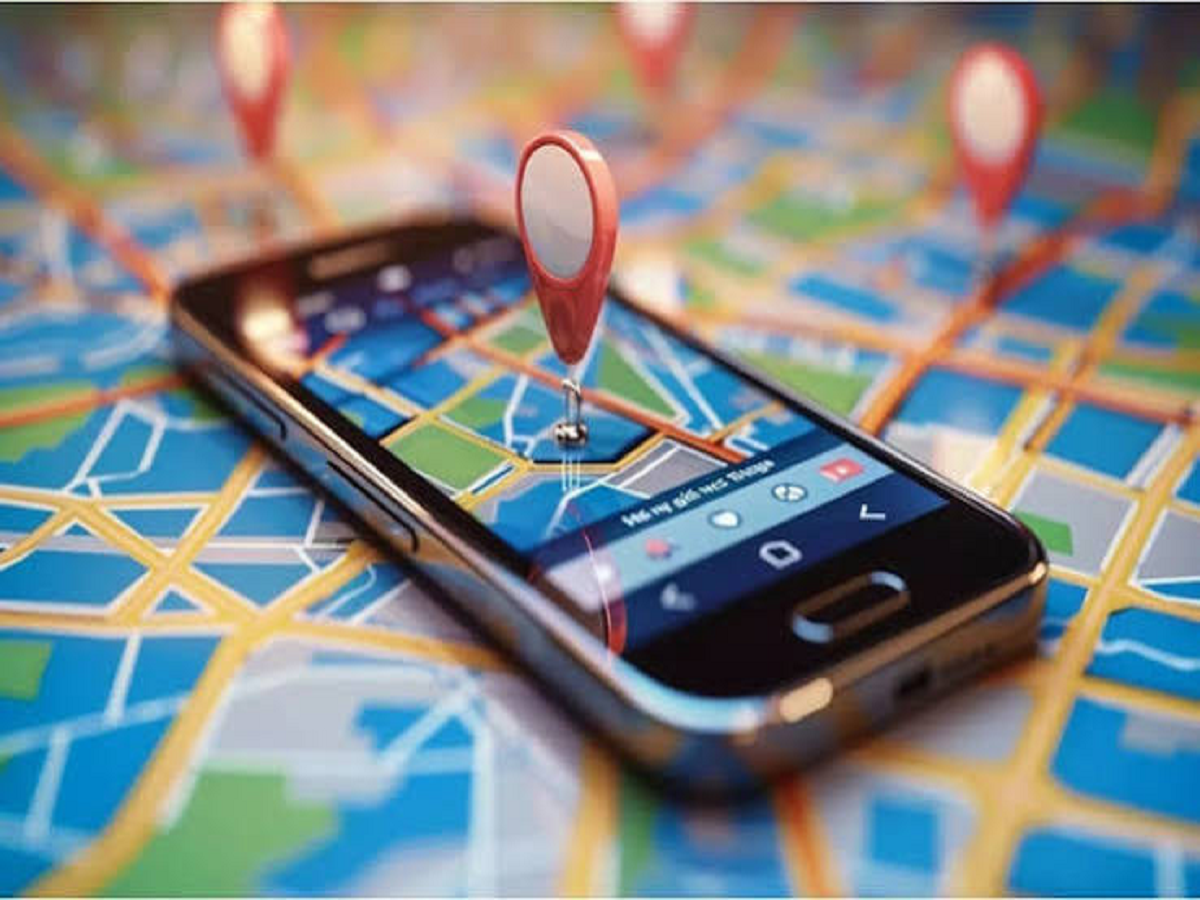
Google Maps has become an essential app for navigation, but it can do much more than simply show directions. Several built-in features can help users plan journeys, remember parking locations, find places more easily and navigate with greater confidence.
Here are seven Google Maps features worth trying.
1. Save Your Parking Location
Forgot where you parked your car? Google Maps can help.
After parking, you can open Maps and save your parking location. When you are ready to leave, the app can help you navigate back to the saved location.
This is particularly useful in large shopping centres, unfamiliar markets and crowded parking areas.
2. Download Maps for Offline Use
Travelling to an area with unreliable mobile internet? Google Maps allows users to download maps for certain areas for offline navigation.
Before travelling, search for the required location and download its offline map while connected to Wi-Fi.
Offline maps can be especially useful during road trips or when travelling through areas with poor network coverage.
3. Share Your Real-Time Location
Google Maps can share your location with selected contacts for a specified period.
This can be useful when meeting someone, travelling alone or letting family members know where you are during a journey.
Users should only share their location with people they trust and should remember to stop sharing when it is no longer necessary.
4. Check Traffic Before Leaving
Google Maps can display traffic conditions along a route, helping users decide whether they should leave earlier or choose an alternative road.
Before starting a journey, check the estimated travel time and look for traffic-heavy sections.
For regular commutes, this can help users avoid predictable delays.
5. Use Street View to Recognise a Destination
Sometimes an address is not enough to identify a building.
Street View can provide visual information about roads and locations in supported areas. Looking at the surrounding area before travelling can make it easier to recognise the destination after arriving.
This can be particularly helpful when visiting an unfamiliar office, hotel or shop.
6. Measure Distance Between Locations
Google Maps can also be used to measure the distance between two or more points.
This feature can be useful when you want to estimate the distance between locations that do not have a straightforward road route.
It can also help with basic planning when comparing different areas or routes.
7. Save Important Places
You can create saved lists for places you want to visit later.
For example, you could create separate lists for restaurants, tourist attractions, shopping locations or places you want to visit during a trip.
This prevents you from having to search for the same locations repeatedly.
Keep Your Maps App Updated
Some Google Maps features depend on the device, region and current version of the application. Keeping the app updated ensures that you have access to the latest improvements and security fixes.
It is also worth checking location permissions and battery settings so that navigation works properly when you need it.