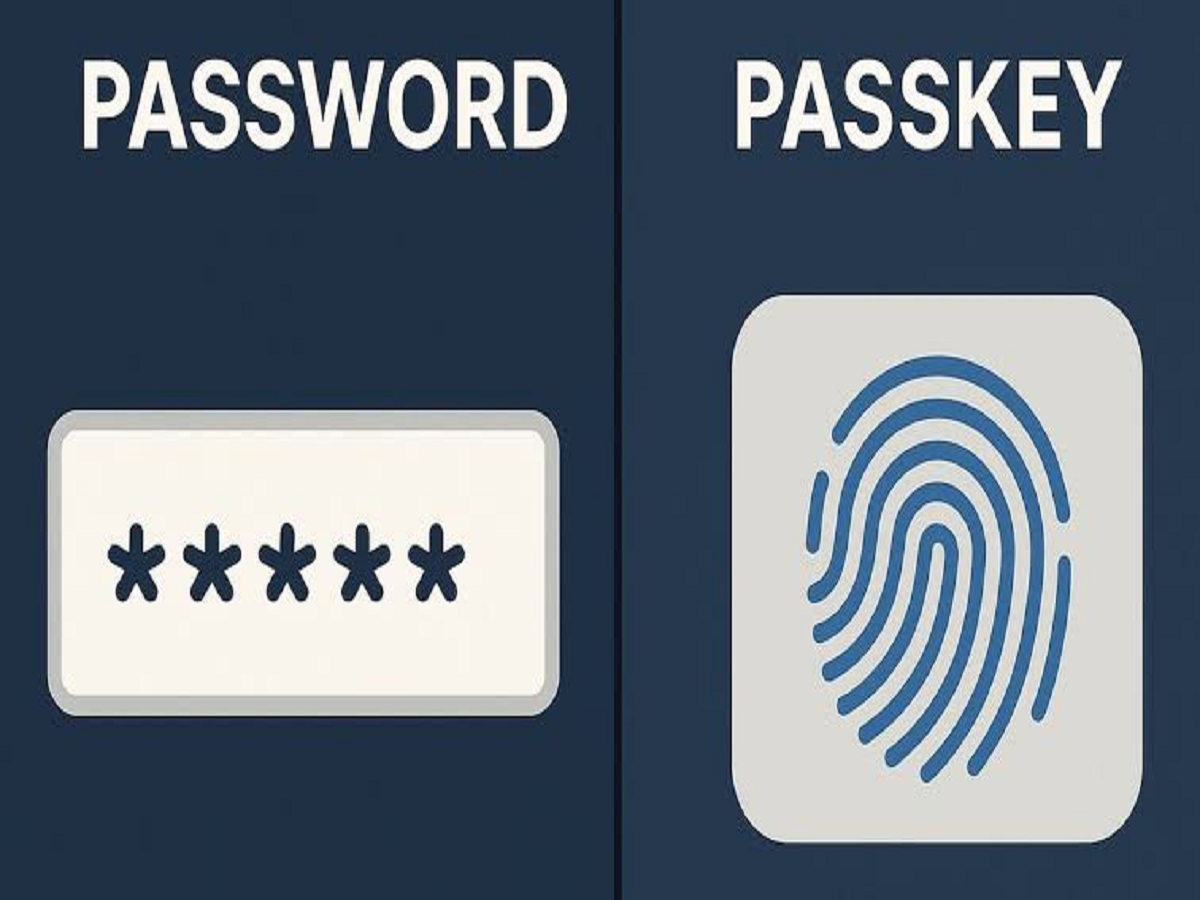
Imagine logging in to your email, shopping app or social media account without typing a password or waiting for an OTP. You simply use your fingerprint, face recognition or phone PIN, and you are signed in. This is the idea behind passkeys, a technology that is gradually changing how people access their digital accounts.
Supported by major technology companies and built on established security standards, passkeys are designed to make online authentication both simpler and more resistant to common cyberattacks.
What Exactly Is a Passkey?
A passkey is a digital credential that allows you to sign in to an app or website without entering a traditional password.
Instead of relying on a secret password that you remember, passkeys use cryptographic keys associated with your account. One key is stored securely by your device or credential manager, while the corresponding public key is registered with the service.
When you sign in, your device verifies your identity using a fingerprint, facial recognition or screen-lock PIN, then proves that you possess the correct credential. Your biometric information is not sent to the website as part of this process. <Cite refs={["turn335704search0","turn335704search7"]}/>
How Do Passkeys Work?
The process is relatively straightforward.
-
You open a website or app that supports passkeys.
-
You choose the option to create a passkey and complete the required verification.
-
Your device or password manager creates the necessary cryptographic credential.
-
The next time you log in, you select your account and approve access using your device’s authentication method.
Unlike conventional passwords, passkeys are unique to the services for which they are created. This means that a passkey for one website cannot simply be reused to access another website. <Cite refs={["turn335704search2","turn335704search3"]}/>
Why Are Passkeys Considered More Secure?
Traditional passwords can be guessed, reused across multiple accounts or stolen through phishing websites. Passkeys address several of these weaknesses.
Protection against phishing: A passkey is associated with the legitimate website or app for which it was created. A fake website cannot normally use that credential to authenticate as the genuine service.
No password to remember: Users do not need to create or remember a complicated password for every account.
Reduced risk from data breaches: Websites generally store a public key rather than the private authentication secret. A breach of the website’s stored authentication data therefore does not expose a reusable password in the same way.
Convenient verification: Users can approve a sign-in through their device’s existing security mechanism rather than repeatedly entering passwords and verification codes. <Cite refs={["turn335704search1","turn335704search3"]}/>
Are Passkeys Available on iPhones and Android Phones?
Yes. Passkeys are supported across major digital platforms, although availability depends on the device, operating system, credential manager and individual app or website.
Apple supports passkeys through its password-management ecosystem, while Android users can use Google Password Manager and compatible alternatives. Windows devices also support passkey sign-in through Windows Hello and supported credential managers. <Cite refs={["turn335704search1","turn335704search2","turn335704search8"]}/>
Passkeys can also work across devices. For example, you may be able to use a passkey stored on your phone to sign in to a compatible website on your computer, sometimes by scanning a QR code and approving the request on your phone.
How Can You Start Using Passkeys?
You do not need to replace every password immediately. You can start with an account that already offers the feature.
-
Open the official app or website and sign in normally.
-
Visit its security, account or sign-in settings.
-
Look for an option labelled “Passkeys” or “Create a passkey”.
-
Follow the instructions and save the credential using a trusted device or password manager.
-
Check that you understand the account-recovery process before relying on the passkey as your primary sign-in method.
Never create a passkey through an unfamiliar link sent in an unsolicited message. Open the official app or type the website address yourself.
What Happens If You Lose Your Phone?
Losing a phone does not necessarily mean losing access to every passkey. If your passkeys are synchronised through a supported credential manager, they may be recoverable on another device after you regain access to that account.
However, a passkey stored only on a lost device may require a different recovery method. Before changing phones, make sure your important accounts have suitable recovery options and that you can access your credential manager securely.
For important accounts, keep recovery information up to date and protect the account that synchronises your passkeys with a strong sign-in method.
Can Passkeys Completely Replace Passwords?
Not yet. Many services still support passwords alongside passkeys, and some websites have not introduced passkey sign-in at all. Account recovery and older authentication systems can also mean that a password remains available as a fallback.
Passkeys are not a guarantee against every form of cybercrime. Someone who gains access to an already-unlocked device or compromises an account’s recovery process may still create security risks.
The Future of Passwordless Login
Passkeys represent an important shift in online security: instead of asking users to protect dozens of secrets, services can rely on device-based authentication and cryptographic verification.
For everyday users, the main advantages are convenience and better resistance to phishing. As more apps and websites adopt the technology, passkeys could gradually become a familiar alternative to typing passwords every time you sign in.
The practical takeaway is simple: when a trusted service offers passkeys, consider enabling one, keep your recovery options secure and continue protecting your devices with a strong screen lock.