BUSINESS
DigiLocker Account 2026: Create a DigiLocker account at home using Aadhaar and mobile number, learn the complete method
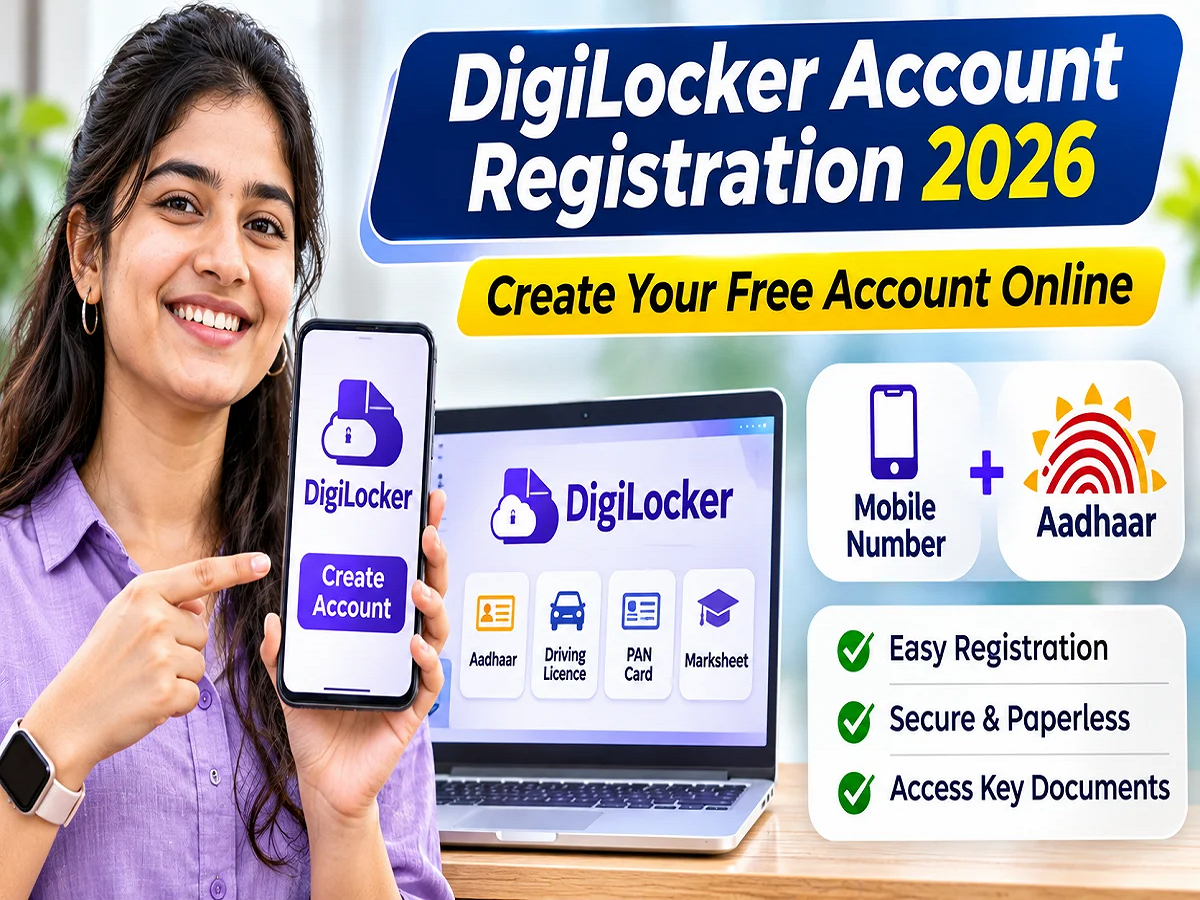
DigiLocker Registration 2026: Now, there's no need to carry important documents like your driving license, PAN card, vehicle registration number, and educational certificates with you at all times. These documents can be securely accessed on your mobile phone through DigiLocker, a digital service run by the Government of India. Significantly, there's no fee to create a new account on DigiLocker. Registration can be done from the comfort of your home using your mobile number and Aadhaar. Let's explore the complete process for creating a DigiLocker account and its key benefits.
What is DigiLocker and why is it useful for common people?
The use of digital services is steadily increasing in the country. DigiLocker was launched to ensure the safe storage of government documents and their easy access when needed. This service is part of the Digital India initiative of the Ministry of Electronics and Information Technology (MeitY), which is operated through the National e-Governance Division (NeGD).
DigiLocker functions as a digital document wallet. Users can access certificates issued by government departments and authorized institutions. This reduces the reliance on physical documents and makes it easier to access important records.
With the help of this platform, students can get their mark sheets, vehicle owners can get their driving license and RC and other citizens can get their various government certificates in digital form.
How to create a DigiLocker account? Learn the complete registration process.
If you have not yet created an account on DigiLocker, you can register with the help of the steps given below.
1. Open the official website or mobile app
First of all go to the official website of DigiLocker https://www.digilocker.gov.in/ .
Smartphone users can also download its official mobile application from Google Play Store or Apple App Store.
While installing an app, be sure to check its publisher's information, so that your personal information is not stolen through any fake application.
2. Verify by entering the mobile number
Select the option to create a new account on the website or app.
Then, enter your 10-digit Indian mobile number. A one-time password (OTP) will be sent to verify your mobile number.
Complete the verification by entering the OTP in the designated field. You can also proceed using your Aadhaar number or Virtual ID, as per the available options.
3. Fill in personal information
After the mobile number is verified, enter the information asked on the screen.
This may include information such as your full name, date of birth, gender and email address.
Ensure that your personal information matches your Aadhaar records. Any discrepancies in name or date of birth may cause problems during further document retrieval or Aadhaar verification.
4. Verify account with Aadhaar number
Aadhaar authentication is crucial to take full advantage of DigiLocker's Aadhaar-based services.
Select the option "Link Aadhaar" or "Verify Aadhaar." Then, enter your 12-digit Aadhaar number and provide the required consent.
Now complete the process by entering the OTP received on the mobile number registered with UIDAI.
Important: Your active mobile number must be linked to your Aadhaar number for Aadhaar-based OTP verification. If your Aadhaar number is old or disabled, you may need to update it by visiting an authorized Aadhaar center first.
5. Create a PIN to protect your account
During the registration process, you may have the option to create a security PIN.
This PIN helps protect your account, so choose a PIN that's not easy to guess.
Do not share your PIN, password or OTP with any unknown person.
6. View documents on the DigiLocker dashboard
After the account is created, you can login to DigiLocker.
The dashboard provides different options for viewing, receiving, and managing documents.
Issued Documents: This section shows the digital documents received directly from authorized departments and institutions.
Uploaded Documents: Here the user can see the files uploaded by him.
Browse Documents: With the help of this option, available documents can be obtained by searching the concerned department or institute.
Activity: This section is useful for viewing account activity information.
What documents can be found in DigiLocker?
Records from various government departments and educational institutions are available on DigiLocker. These include the following documents:
- Aadhaar related digital documents
- PAN card
- Driving License
- Vehicle Registration Certificate i.e. RC
- 10th and 12th mark sheets
- Academic degrees and certifications
- Other records issued by various government departments
However, not all documents appear automatically upon account creation.
In many cases the user has to select the relevant department and enter information like document number, exam year, roll number or registration number.
The availability of the document depends on the digital records of the respective issuing institution.
Do I have to pay to use DigiLocker?
Creating an account on DigiLocker and using its basic services is completely free.
There is no need to pay any agent or middleman for this facility.
Users can also share documents electronically with authorized institutions with their consent.
An important distinction is that digital documents provided directly by an authorized issuer are not considered the same as files uploaded by users themselves. Officially issued digital documents are recognized according to the relevant regulations.
What to do if DigiLocker OTP is not coming?
Many times the problem of not receiving OTP arises during registration or Aadhaar verification.
In such a situation, first of all check whether you have entered the mobile number correctly or not.
Then check the status of your mobile network and SMS service. If the network is weak, wait a while.
A new OTP can be generated if needed. Also, ensure that the mobile number registered with UIDAI is active for Aadhaar verification.
According to DigiLocker's official FAQ, the OTP can be valid for up to 10 minutes. Once the set time expires, you'll need to obtain a new OTP.
Sometimes, technical issues or heavy server traffic can cause delays in receiving the OTP. In such cases, it's best to try again later.
Keep these security points in mind while using DigiLocker
Along with the convenience of digital documents, the security of personal information is also important.
Always use official websites or certified apps. Avoid entering your Aadhaar number, password, or OTP on unknown links.
Make sure to set a screen lock on your mobile phone and keep your DigiLocker account login information safe.
If someone asks for an OTP under the guise of document verification, don't share it. The OTP could be used to gain unauthorized access to your account.
DigiLocker is a useful digital utility for those who want to easily access and securely share their important documents.
Registration via mobile number and Aadhaar verification makes it accessible to the general public. This can be especially helpful for students, working professionals, and vehicle owners.
However, before using any document, it is important to check that it is officially issued by the concerned department and is acceptable to the institution where it is being presented.