TECH
ClickFix Scam: One click and your account will be empty, a big game in the name of verification, know the details
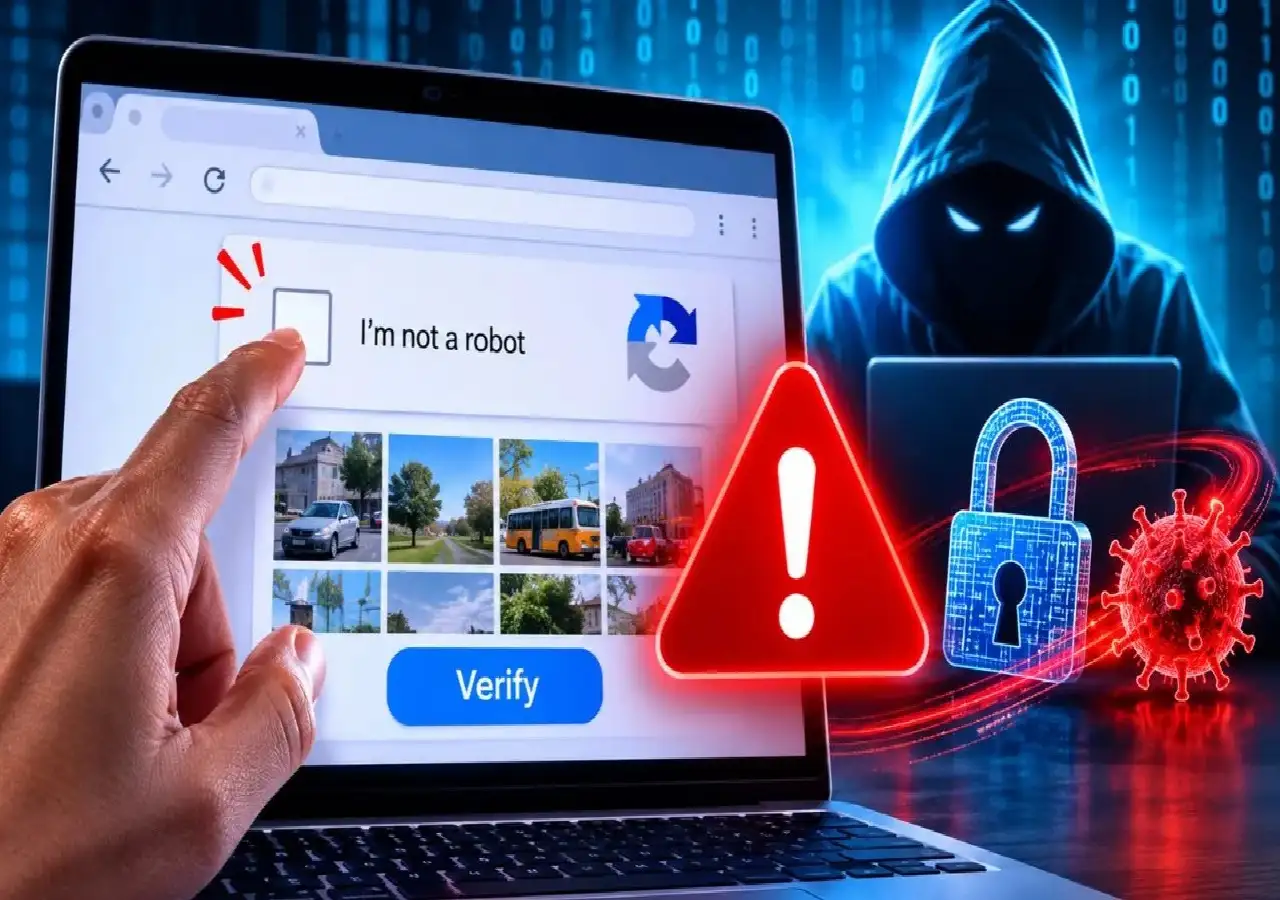
While using the internet, we visit different websites throughout the day. After opening some websites, a verification box suddenly appears on the screen, in which we have to enter a captcha code or sometimes select the correct photo. As soon as such a verification box appears on a website, people click on it without thinking and complete the verification process. But now doing so can prove costly. Cyber-criminals have once again invented a new scam to defraud people. This scam is called ClickFix.
In this scam, hackers gain access to your computer through normal browsing. Many experts and major global agencies have issued alerts regarding this new scam. A small mistake can put your passwords, browser data, and accounts at risk. Let's now understand what this scam actually is.
What is the ClickFix scam?
Typically, websites ask you to select a photo or type a few letters to complete the CAPTCHA verification process. However, the ClickFix scam works in a completely different way. According to a report shared by The Guardian, in this scam, when a user clicks on a fake CAPTCHA box, the website secretly copies a dangerous code and saves it to your computer's clipboard, without you even knowing it.
After this, realistic instructions appear on the screen. The user is asked to press Windows + R on the keyboard to complete the verification, then press Ctrl + V to paste the code, and finally press Enter. Once this process is complete, the malicious code hidden in the system is executed. This then begins the process of installing the virus or malware in the 'display:inline-block'>Stay safe from ClickFix scams!
To stay safe from such scams, always remember that no website or legitimate CAPTCHA system will ever ask you to paste a command by pressing Windows + R. If you're prompted to complete a process using a keyboard shortcut on a verification page, error message, or crash pop-up, be wary. This could be a new trick by hackers. In such a case, close the tab immediately.
Check the URL carefully before clicking on any unknown website. Always keep your computer's operating system, web browser, and antivirus software updated. Also, turn on two-factor authentication for your important accounts.
PC: Navarastra