TECH
Beware of electricity bill fraud! A message saying "Power cut" could empty your bank account; learn how to avoid it
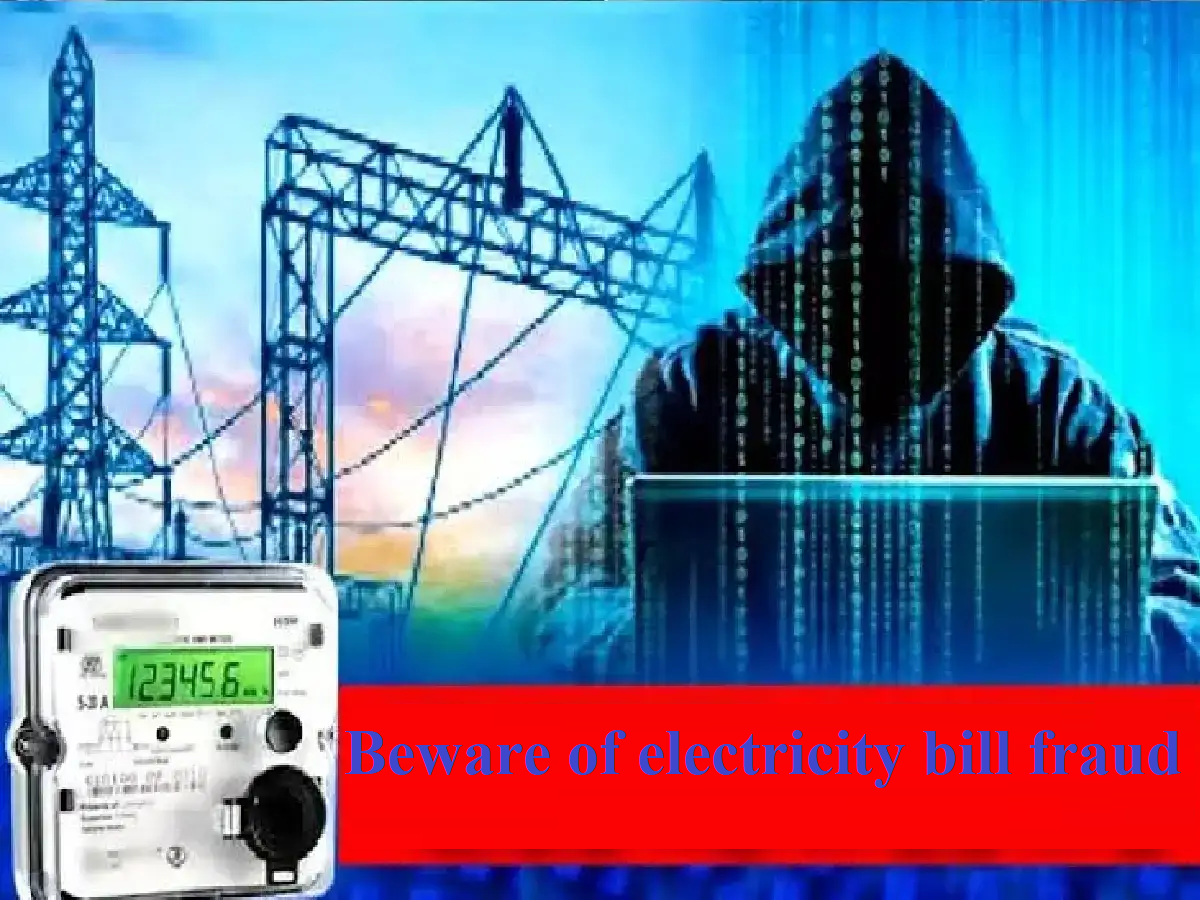
In today's digital age, paying your electricity bill from home is now possible with just a few clicks. However, with the increased convenience, cyber criminals have also devised new ways to defraud people. These days, cases of "electricity bill fraud" are rapidly increasing across the country, with cunning fraudsters siphoning off people's hard-earned money in a matter of seconds through a fake message or call.
If you've ever received such a message or call, this information is crucial. Let's learn how this scam works and how to avoid it.
How does electricity bill fraud work?
Threatening message: You receive a message on your mobile number from an unknown number saying, "Dear customer, your electricity bill for this month has not been updated. Your electricity connection will be disconnected at 9:30 pm tonight due to outstanding previous bill. Contact our electricity officer immediately."
Creating panic: People often panic due to the fear of getting their bill deducted and immediately call the mobile number given in the message.
Downloading a remote access app: The caller identifies as an official from the electricity department (e.g., MSEDCL, UPPCL, BESCOM, etc.). They ask you to pay the bill immediately and instruct you to download a third-party app (e.g., AnyDesk, TeamViewer, QuickSupport) from the Google Play Store.
Bank account drain: As soon as you install the app and share your screen, the fraudsters gain complete control (remote access) of your phone. They then use your UPI PIN, net banking, or OTP to siphon off all the money from your bank account.
Important precautions to avoid such fraud:
Never panic : The electricity board never sends messages from such personal mobile numbers threatening to cut off power supply nor does it give the personal number of any officer.
Don't call unknown numbers: Avoid calling any numbers listed in such messages. Always check your bill through an official app (such as the electricity department's official website or app).
Don't download apps: Never download any remote access or AnyDesk apps on your phone at the behest of an unknown person.
Do not share OTP or PIN: Do not share your bank account number, UPI PIN or OTP with anyone.
What to do if you become a victim of fraud?
If you unknowingly become a victim of this fraud or are subjected to any financial fraud, then without wasting a minute, take these steps immediately:
Call the cyber helpline 1930: Immediately after the incident, call the national cybercrime helpline number 1930. The sooner you report, the better your chances of getting your money back.
Register complaint on the portal: Immediately visit the official website www.cybercrime.gov.in and register your complaint.
Inform the bank: Contact your bank immediately and get your account, debit or credit card blocked.
PC: JAGRAN