TECH
Android Phone Storage Full? These Simple Tricks Can Free Up Space Without Deleting Important Files
Running out of storage on an Android phone can be frustrating. The problem often appears when you try to install an app, download a video or capture new photos. While buying a phone with more storage is one solution, you can often recover several gigabytes by cleaning up files and apps you no longer need.
Here are some simple tricks that can help you free up space without deleting important data.
Start With the Storage Section
The first step is to find out what is actually consuming your phone's storage.
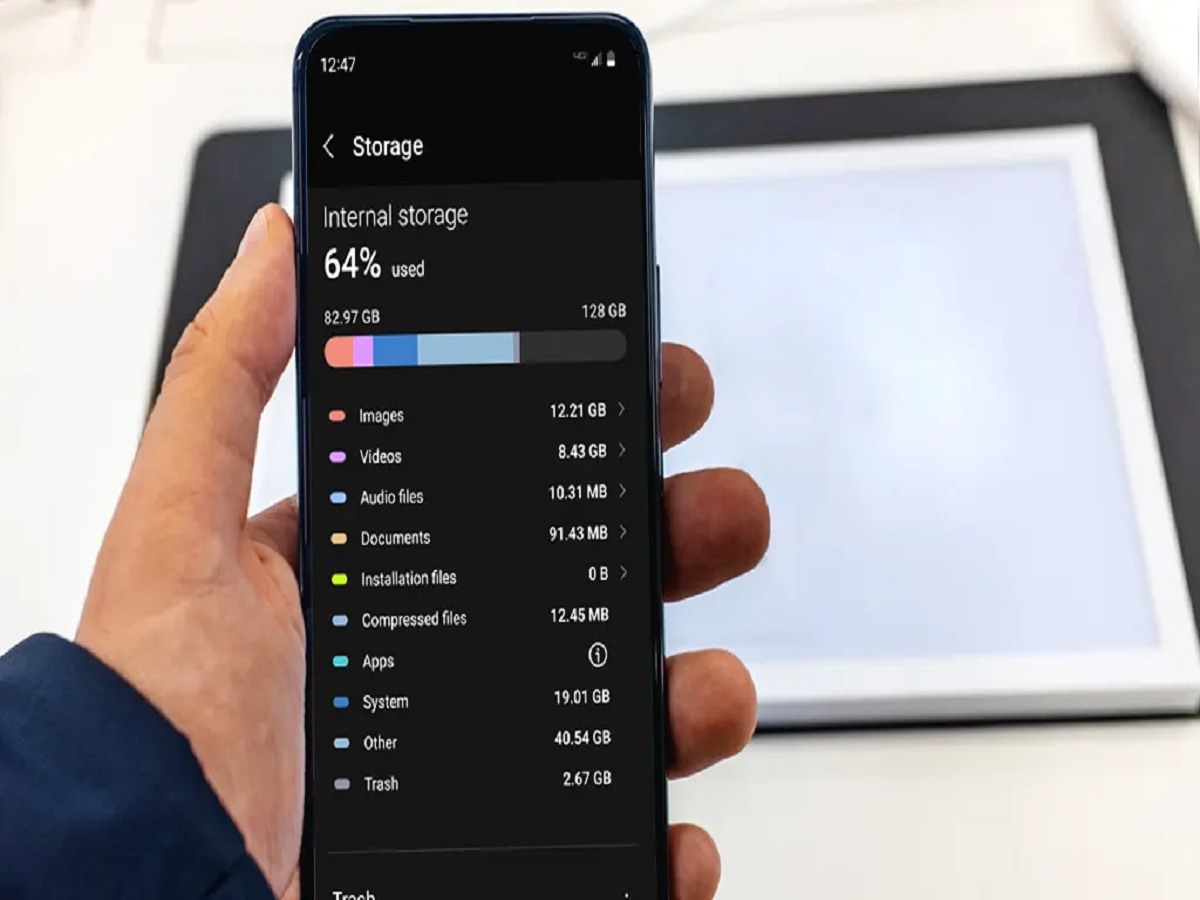
Open Settings and look for Storage or Storage and memory. The exact name can vary depending on your phone manufacturer and Android version.
You'll typically see categories such as apps, photos, videos, documents and system files. This immediately shows where most of your storage is being used.
Remove Apps You No Longer Use
Unused apps can quietly occupy hundreds of megabytes or even several gigabytes.
Go through your installed applications and uninstall games, shopping apps, editing tools or other services you haven't used for months.
If you don't want to delete an app permanently, check whether your phone offers an option to archive or disable it.
Clean Up WhatsApp Media
WhatsApp can become one of the biggest storage consumers because photos, videos, documents and voice messages accumulate over time.
Open WhatsApp's Manage Storage section to identify large files and media taking up significant space. You can remove unnecessary videos or duplicate files while keeping important conversations.
Also check your WhatsApp media download settings so that unwanted files don't automatically accumulate in your gallery.
Delete Large Downloaded Videos
Streaming services and social media apps aren't the only places where videos take up space. Downloaded movies, shows and offline videos can consume several gigabytes.
Check your Downloads folder and remove files you have already watched or no longer need.
Remember to check folders created by individual apps as well.
Clear App Cache Carefully
Some Android apps store temporary files called cache. Over time, these files can become quite large.
You can usually clear an app's cache through its App Info or storage settings.
However, don't confuse Clear cache with Clear data. Clearing app data can remove locally stored information or sign you out of an app, so use it only when you understand what will happen.
Back Up Photos and Videos
If your phone contains thousands of photos and videos, cloud backup can