TECH
AI scams: Check out this simple checklist to quickly detect malware on your phone, and your bank balance will be safe
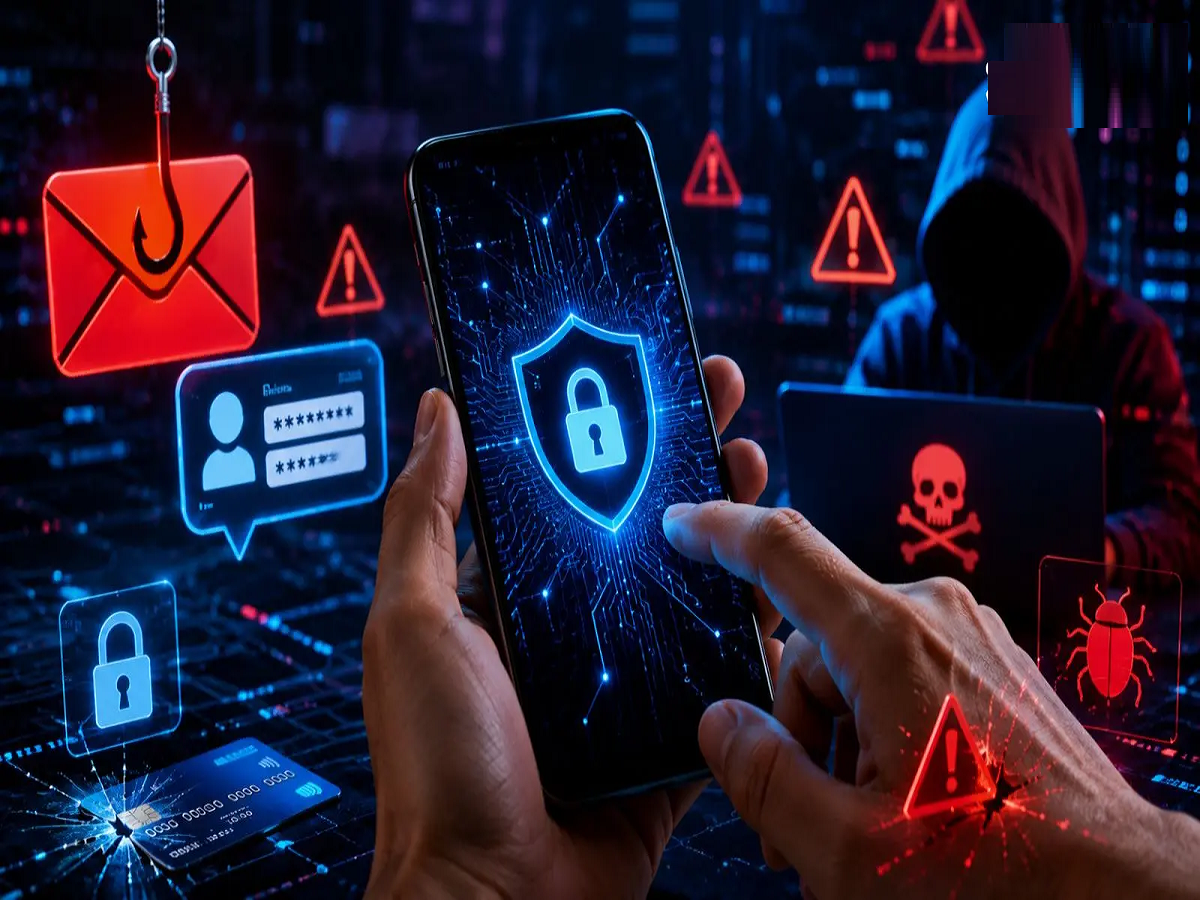
To avoid hidden malware, fake apps, and AI scams on your smartphone, read this safety guide from CERT-In and cyber experts. Learn a simple checklist to distinguish between genuine and fake apps.
In this era of digital revolution, our smartphones have become an integral part of our lives, but these same phones are also becoming an easy means of fraud for cybercriminals. According to a recent report by the Cyber Security Analysis and Indian Computer Emergency Response Team (CERT-In), scammers are adopting new methods to target Indian mobile users. People's bank accounts are being breached through malware, phishing, fake reward apps, and AI -generated voices and messages. With the advent of AI technology, even fake messages now appear authentic, making it extremely difficult for ordinary users to detect fraud.
How are cyber criminals targeting?
According to Cyber Swachhta Kendra, hackers primarily target common smartphone users in four ways:
- Fake reward and cashback apps: Fake mobile apps are downloaded by luring people with the promise of lottery or huge cashback.
- AI-generated messages and calls (AI Scams): With the help of artificial intelligence, fake voices of family members or bank officials are created to demand money.
- Phishing Links: Fake URLs are sent via SMS, WhatsApp or email to trick users into entering their personal credentials.
- Hidden Malware: A virus is inserted into the phone through unauthorized APK files that secretly steals OTP and banking data.
Identifying the Original from the Fake: Safety Checklist
If you need to download a new app or receive a suspicious message/link, check it with this simple checklist instead of proceeding immediately:
|
means of investigation |
Signs of a fake/scam |
Genuine Characteristics |
|
App Download Source |
Downloaded from a website, WhatsApp, or third-party APK link |
Download only from Google Play Store or Apple App Store |
|
App Permissions |
Calculator or flashlight apps asking for access to contacts, messages, and the camera |
Ask for only the necessary and limited permissions necessary for the app to function |
|
Developer information |
Unknown developer, spelling mistake in the name and zero developer history |
Authorized company name, verified developer, and valid privacy policy |
|
Message language |
Send money immediately or risk account blockage; 'Urgent' or 'Action Required' |
Unhurried formal notice and correct URL (https) |
|
Link URL |
bit.ly/xyz or strange names like 'SBL-bank-login.com' instead of SBI |
Official domains such as .gov.in, .comor.in |
5 rules to avoid cyber fraud
- Don't click on unfamiliar links: Avoid opening any unknown links received via SMS or WhatsApp, especially those claiming to offer lottery or electricity bill payments.
- Block suspicious permissions: Think before giving any app access to your phone's SMS and gallery. Hackers use SMS read permissions to steal bank OTPs.
- Beware of AI calls: If an acquaintance suddenly calls you citing an emergency and asks for money, then make sure to verify the truth by calling their old number directly.
- Keep your antivirus and OS updated: Always keep your phone's operating system and apps updated to fix security flaws.
- Report to Cyber Helpline 1930: If you become a victim of any cyber fraud, immediately call the National Cyber Crime Helpline number 1930cybercrime.gov.in or lodge a complaint.
1. What to do if a fake or malware app is accidentally installed on the phone?
2. What should be done to get the money back immediately in case of cyber fraud?
3. Can a phone get hacked just by reading or opening an unknown message?