TECH
A cool WhatsApp feature: Can't hear your voice messages in noisy environments? Convert audio to text in one click
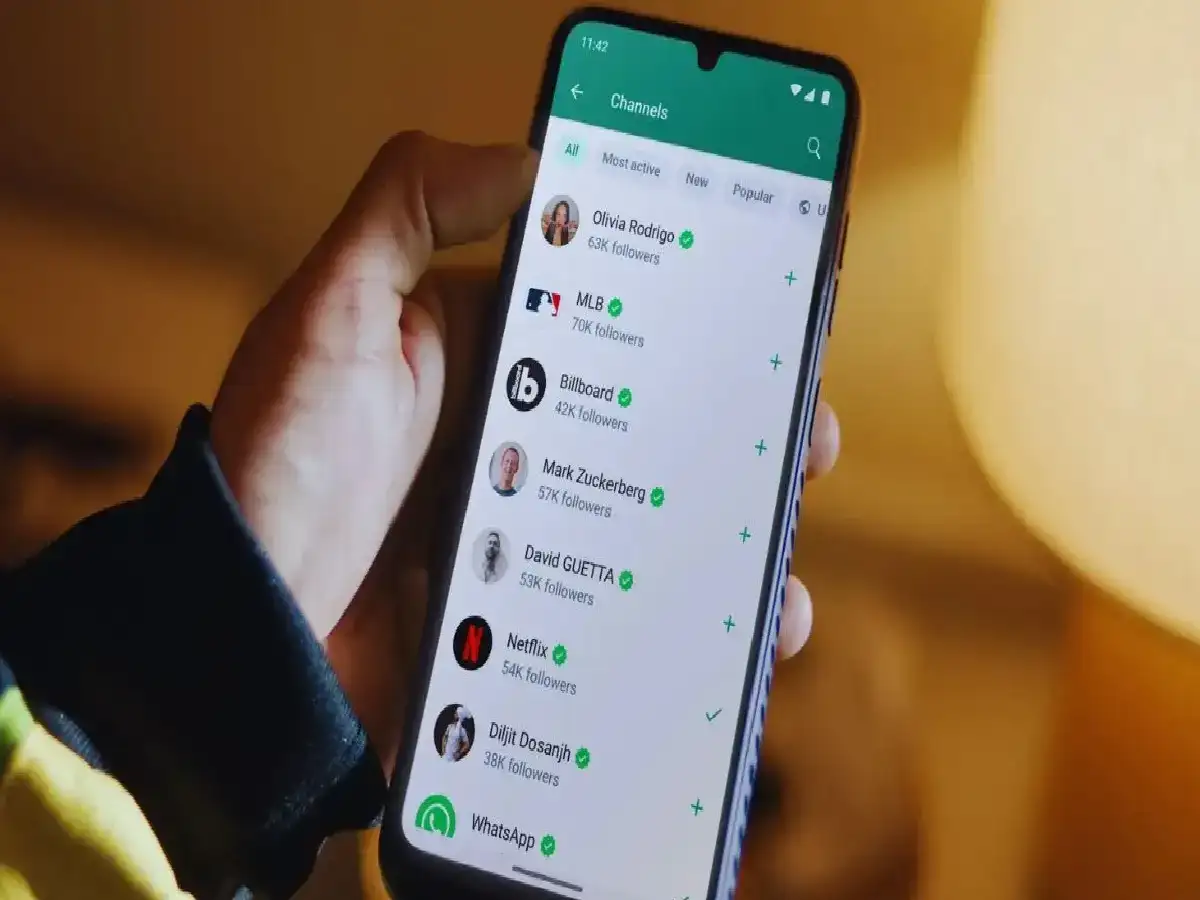
If you're in a meeting, sitting in class, or surrounded by a lot of noise and you receive an important voice message on WhatsApp, it can be difficult to hear. WhatsApp's 'Voice Message Transcripts' (audio-to-text) feature can be very useful in such situations.
People often search for earphones or wait for the situation to calm down to detect a voice message. But with this built-in feature, WhatsApp will automatically read any of your voice notes and display them as text on your screen.
Easy way to turn on WhatsApp Voice Message Transcribe
Open WhatsApp: Open WhatsApp on your phone and go to the Settings menu.
ChatTry the app
Select the Chats section. Tap the 'Chats' option.
Turn on Voice Message Transcripts: Scroll down and you will see the option 'Voice message transcripts', turn on its toggle button.
Download Language: Download the language pack of your preferred language (like Hindi or English).
How to use this feature?
Whenever someone sends you a voice message, a small 'Transcribe' or 'Read Text' button will appear just below the message.
As soon as you tap on it, WhatsApp will convert everything spoken in the audio into text and write it down.
PC: India TV Hindi