Gmail is more than just an email service. It includes powerful tools that can help you stay organized, save time, and manage your inbox more efficiently. If you only use Gmail to send and receive emails, you're missing out on several useful features.
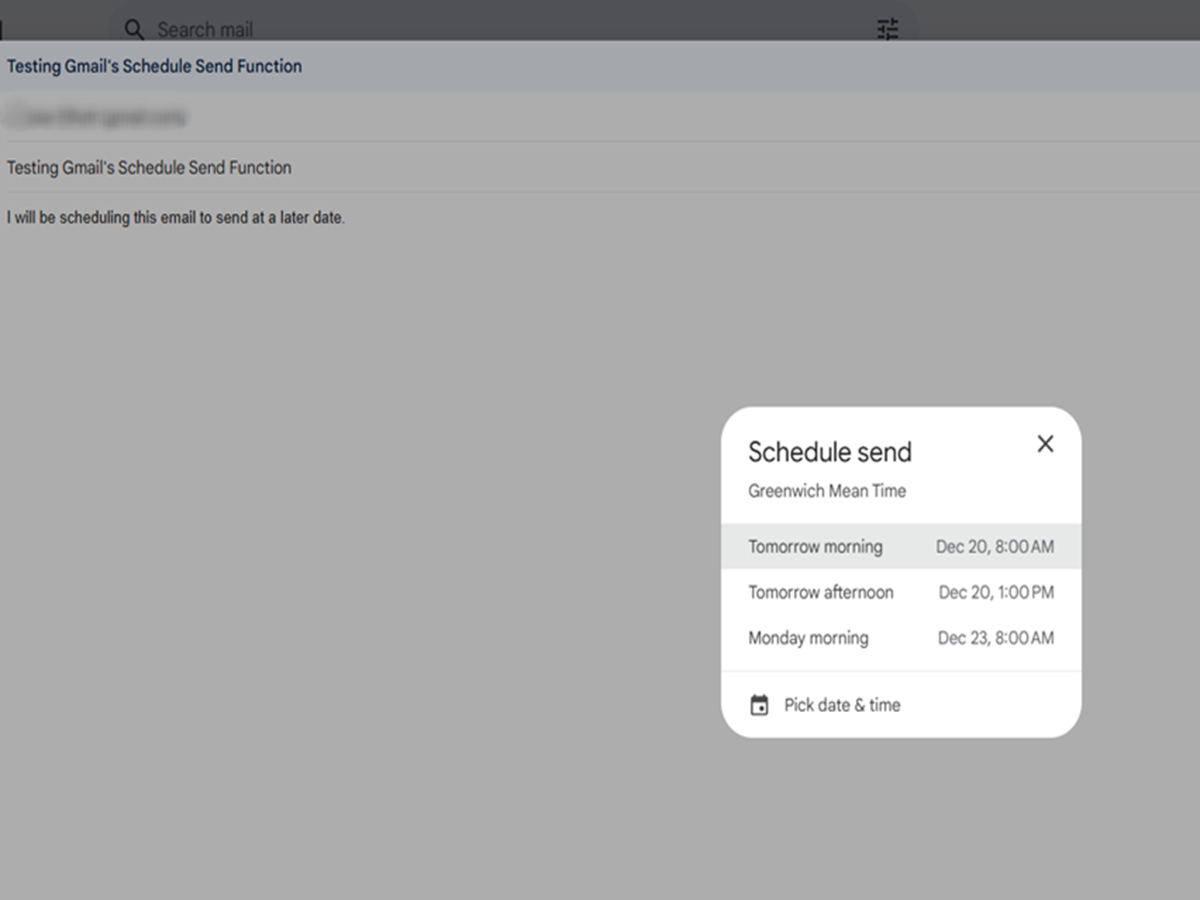
1. Schedule Emails to Send Later
Don't want to send an email immediately? Gmail lets you schedule messages to be delivered at a specific date and time. It's perfect for work emails, reminders, or birthday wishes.
2. Snooze Emails Until You Need Them
Some emails don't need an immediate reply. Instead of leaving them in your inbox, use the Snooze option to make them disappear and return at a time you choose.
3. Undo a Sent Email
Sent an email too quickly? Gmail gives you a short window to cancel the message before it's delivered. This simple feature can save you from embarrassing mistakes.
4. Use Search Filters Like a Pro
Instead of scrolling through hundreds of emails, search by sender, attachment, date, or keyword. Gmail's advanced search filters make finding old emails much faster.
5. Star Important Emails
Use the star feature to mark emails you don't want to lose. Whether it's travel tickets, payment receipts, or work updates, starred emails are easy to find later.
6. Turn on Confidential Mode
When sending sensitive information, Confidential Mode lets you set an expiration date for the email and can require a verification code before it's opened.
7. Archive Instead of Delete
Your inbox can stay clean without deleting everything. Archived emails are removed from your main inbox but remain searchable whenever you need them.
8. Manage Multiple Email Accounts
If you use more than one Gmail account, you don't need to sign in and out repeatedly. Add multiple accounts and switch between them with just a tap or click.
Bonus Tip: Keep Your Inbox Clean
Unsubscribe from newsletters you never read and regularly delete large attachments or unnecessary emails. A cleaner inbox makes it easier to focus on what's important.